Your Will Does Not Beat Apple or Google
A setting inside Apple or Google can outrank your will. Here's the actual hierarchy, the Keychain hole, and how to make the settings and the documents say the same names.
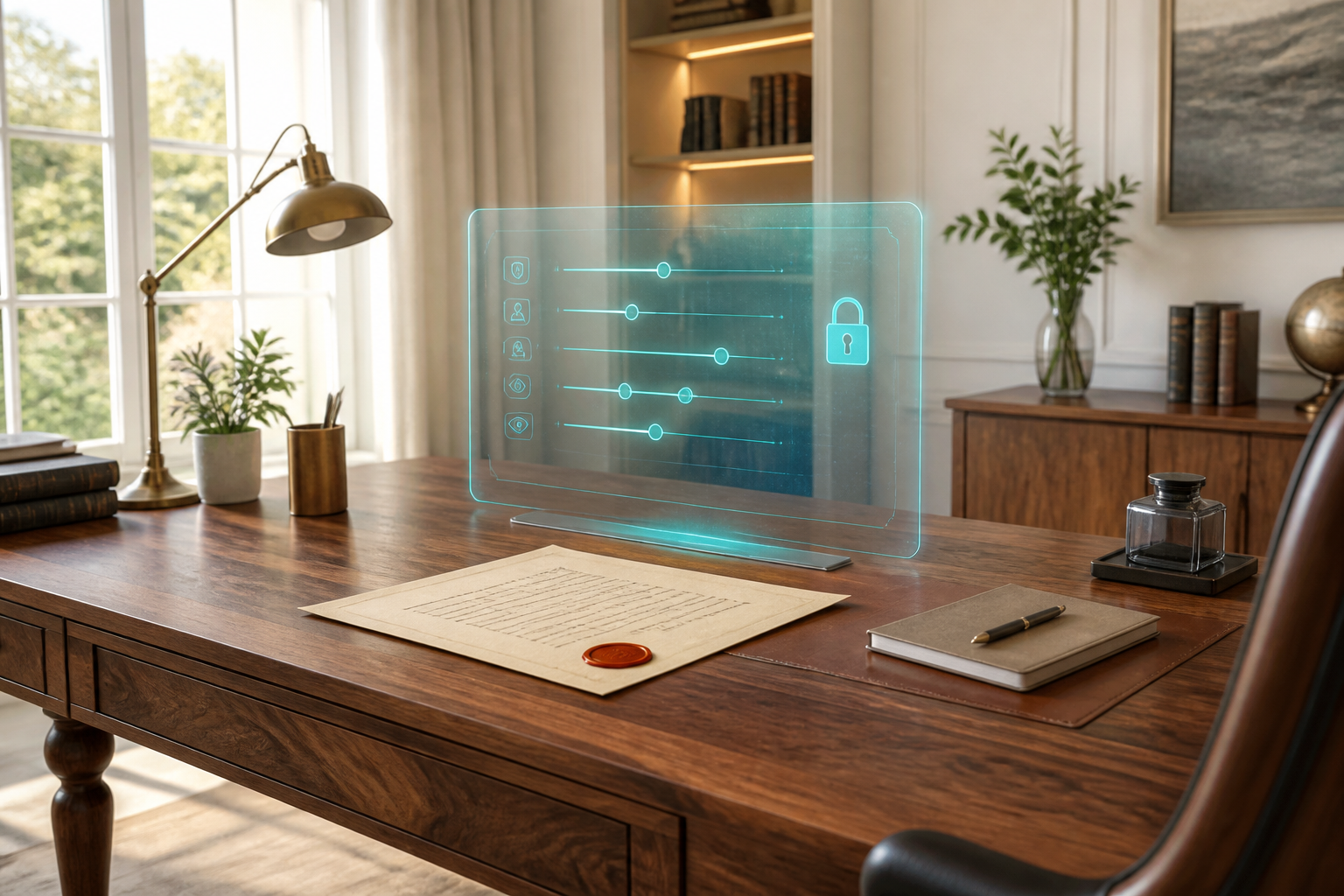
There's a setting inside Apple and Google that can outrank the will you paid a lawyer to write. Most people never hear that sentence until a family is already stuck.
This is not a scare piece about lawyers. It's a map of who actually decides what happens to an iCloud library or a Gmail account when you're gone, and why those decisions often live in a Settings screen, not in a binder.
This is not legal advice. Estate and digital-asset rules vary by state. If you have a lawyer, show them this hierarchy and ask them to make the documents and the settings say the same names.
The three-layer stack
Most U.S. states have adopted a uniform law usually called RUFADAA — the Revised Uniform Fiduciary Access to Digital Assets Act. The name is terrible. The idea is simple. When a company is asked to hand over a dead person's account, it does not start with the will. It starts with whatever you told the company, in the company's own tool, while you could still click.
The order looks like this:
- The platform's own online tool, if you used it and you can still change it. Apple Legacy Contact. Google Inactive Account Manager. Facebook's legacy contact. Under the uniform act, a direction you give through a tool you can modify or delete at any time overrides a contrary direction in a will, trust, or power of attorney.
- Your will, trust, or power of attorney, if you never used the platform tool, or the platform never offered one.
- The terms of service you agreed to without reading. That is the default, and it is written by the company's lawyers, not yours.
If layer one is set, it wins. A stale Apple Legacy Contact from a previous relationship can beat a brand-new will. A Google Inactive Account Manager plan you set in 2019 and forgot can beat the executor you named last spring.
That is the whole post, in one paragraph. The rest is what to do about it.
What Apple actually hands over
We already wrote an honest comparison of Apple Digital Legacy vs Killswitch. The piece that belongs here is the override.
Apple's tool is death-triggered. Your Legacy Contact needs an access key you generated while you were alive, plus a death certificate, plus Apple's review. If that works, they can reach a lot of iCloud: photos, notes, mail, Drive, messages in iCloud, Health, voice memos.
They cannot reach Keychain. Passwords, passkeys, and the login fabric of your life stay locked. Licensed movies and books don't transfer. Apple Pay doesn't transfer. Anything that isn't Apple doesn't transfer. Access, if granted, is on a clock: three years, then the account goes away.
So the override is real, and it is also narrow. Apple can outrank your will for iCloud. It cannot outrank physics. A locked phone with no passcode is still a brick. A bank login sitting in Keychain is still gone.
What Google actually hands over
Google Inactive Account Manager vs Killswitch covers the product limits. The legal point is the same: if you set IAM, Google follows IAM, not your will.
Google's tool is inactivity-triggered, not death-triggered. Shortest window is three months. An Android phone left on a nightstand, still signed in, still syncing, can count as activity. Your family can wait through a hospital stay that never "looks like" death to Google.
Trusted contacts get a download of the Google data you chose, not the account itself. They cannot open Gmail to reset the rest of your life. Your email is the master key. A zip file of mail is not the same as the inbox.
Why this is more dangerous than "no plan"
No plan is bad. A conflicting plan is worse, because everyone thinks they're following instructions.
Your will says your spouse gets everything. Your Apple Legacy Contact is still an ex. Your Google trusted contact is a sibling who moved and doesn't check that email. Your Killswitch beneficiaries are current. Three systems, three stories. The uniform act does not pick the kindest story. It picks the platform tool.
This is the same rot as any plan you never look at: settings decay, people change, and nothing in the binder notices. A will you update every five years cannot keep up with a Settings toggle you never look at.
What to do this week
Do the settings first, because they rank highest. Then make the documents match. Then put the leftovers — passwords, non-Apple accounts, letters, the why — where they can actually be delivered.
Apple. Settings → Apple Account → Sign-In & Security → Legacy Contact. Add the people you mean. Make sure they still have the access key. Write down, in a place they can find, that the key exists. Remember Keychain is not in the package.
Google. myaccount.google.com/inactive. Set the shortest inactivity window you can live with. Name the same people. Decide whether each person gets data or just a notification. Don't assume a phone in a drawer will look inactive.
Facebook and the rest. Legacy contact or memorialization, on purpose. Leaving the default is a decision.
The will and the power of attorney. Have them name digital assets explicitly, and name the same humans. If your lawyer has never heard of RUFADAA, that's a conversation, not a personality flaw.
Killswitch. Enable the platform tools. Then use Killswitch for what they cannot do: passwords and break-glass instructions, files that aren't in iCloud or Drive, letters, video, a check-in that notices you stopped answering. We wrote the password manager break-glass kit for the Keychain hole. The If I'm Gone journal is for the rest of the map.
Layered is the point. Apple for iCloud photos. Google for Gmail and Drive. Killswitch for delivery of the specific things to the specific people, without a death-certificate queue and without hoping a Settings screen still matches your life.
The test that tells you if it works
Ask one person, out loud: "If I died on Tuesday, which Apple key do you have, which Google plan am I on, and what arrives from Killswitch?" If they hesitate, the stack is already drifting.
Then run Killswitch Test Delivery so they see the email before the worst week of their life. We walked through that email in what your family actually receives when your switch fires.
Your will still matters. It just isn't the top of the stack for the accounts you live in. Set the top of the stack on purpose.
Ready to deliver the parts Apple and Google can't? Get started today.