Google Inactive Account Manager: 3 Things It Can't Do
What Google's Inactive Account Manager actually does after you die, how to set it up, and the gaps it leaves — plus what to use for everything else.
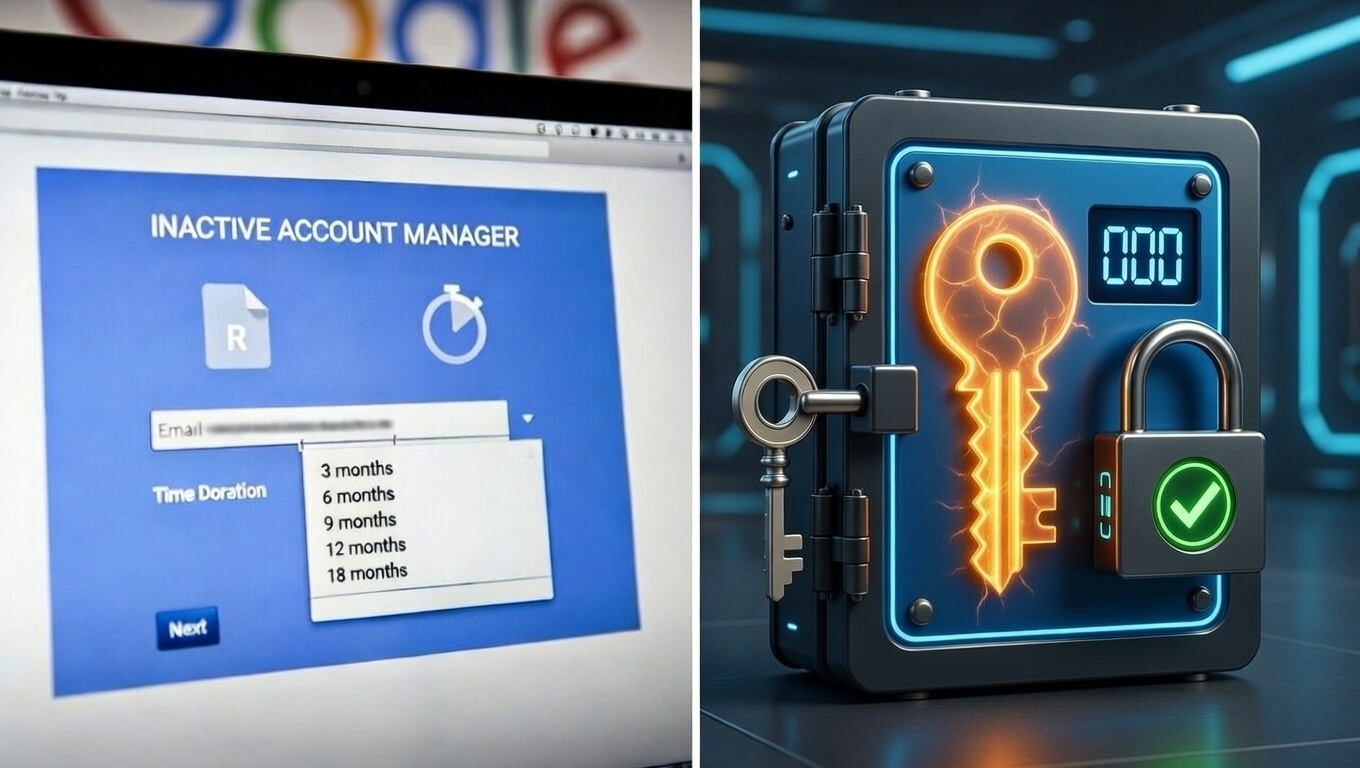
Google's Inactive Account Manager (IAM) is one of the most well-known tools for digital estate planning. It's free, it's built into every Google account, and it lets you designate trusted contacts who receive your data if your account goes inactive.
But is it enough to protect your digital legacy?
For most people, no — and the gap is bigger than it looks. IAM only sees Google. It can't see your bank, your password manager, your crypto wallet, your contracts, your social accounts outside YouTube, or any document that isn't already inside a Google product. And it can't trigger faster than 3 months.
What Google Inactive Account Manager can't do:
- Cover anything outside Google (bank, brokerage, crypto, password manager, social media, insurance, legal files)
- Trigger in less than 3 months
- Detect that you are inactive — only that your account is (an Android phone syncing in the background counts as activity)
- Let beneficiaries access your account; they can only download a Google data dump
- Deliver custom files like a will, a sealed letter, or a crypto recovery sheet
- Act as a delivery system — IAM is an access-recovery feature for survivors, not a tool for delivering specific documents to specific people on your terms
If your digital life is fully inside Google and a 3-month delay is acceptable, IAM is a reasonable free baseline. Otherwise, you'll want to pair it with something that fills those gaps — for the wider picture, see what a dead man's switch is and how it works.
Here's a detailed comparison of Google's Inactive Account Manager versus a dedicated deadman switch service like Killswitch — and when each makes sense.
What Google Inactive Account Manager Does
Google's tool monitors your Google account for activity. If you haven't signed in or used any Google services for a period you specify (3, 6, 12, or 18 months), Google considers your account inactive.
When that happens:
- Google sends you multiple warnings via email and SMS
- If you don't respond, your trusted contacts are notified
- Contacts can download a copy of your Google data (if you enabled this)
- Optionally, your account can be deleted after contacts are notified
You can designate up to 10 trusted contacts, customize what data each can access, and write a custom message that's sent when the account becomes inactive.
The Limitations
1. It only covers Google services.
Inactive Account Manager works for Gmail, Google Drive, Google Photos, YouTube, and other Google products. It does not help with:
- Your bank accounts
- Your cryptocurrency
- Your password manager
- Your hosting and domains
- Social media accounts (except YouTube)
- Insurance documents
- Legal files
- Any non-Google service
For most people, their digital life extends far beyond Google. A tool that only covers one ecosystem leaves significant gaps.
2. The minimum trigger time is 3 months.
The shortest inactivity period you can set is 3 months. For many situations, that's too long.
If you're incapacitated, your family might need access to critical information within days or weeks — not quarters. Three months of uncertainty, inaccessible accounts, and accumulating problems is a long time.
Deadman switches like Killswitch can trigger in as little as a week if that's what you need.
3. It detects Google activity, not life activity.
Google considers you "active" if you sign into any Google service or if you're signed in on an Android phone. This means your account might never trigger even if something has happened to you.
Example: You're hospitalized and incapacitated. Your Android phone is sitting at home, signed in, periodically syncing. Google sees this as activity. Your family waits. And waits. The trigger never comes because technically, your account is "active."
A dedicated deadman switch requires explicit check-ins. If you don't actively confirm you're okay, the switch triggers. There's no ambiguity.
4. Contacts download data — they don't access your account.
When your trusted contacts are notified, they receive a link to download your Google data. They cannot log into your account. They cannot send emails as you. They cannot access your account directly.
This is a security feature, but it's also a limitation. If your family needs to access your Gmail to reset passwords on other services, they can't. The download-only access prevents full account recovery. (Why that matters: your email account is the master key to your entire digital life.)
5. It doesn't support custom files or documents.
You can only share data that's already in Google services. You cannot upload separate documents — like a will, insurance policy, password list, or cryptocurrency recovery instructions — and have them delivered.
If the information you need to share isn't already in Google Drive, Google Photos, or another Google product, Inactive Account Manager can't help.
6. It's built for access recovery, not delivery.
Google encrypts your data in transit and at rest, and its security is excellent. The deeper issue is what IAM is for: it lets survivors recover a bulk copy of your Google data. It was never designed to deliver a specific document to a specific person, with a message from you, on a schedule you control.
A purpose-built service stores your documents encrypted at rest, keeps them private during your lifetime, and delivers exactly what you chose to exactly who you chose — explicit, revocable sharing rather than a data dump.
How Killswitch Compares
| Feature | Google Inactive Account Manager | Killswitch |
|---|---|---|
| Coverage | Google services only | Any file or document |
| Minimum trigger time | 3 months | Configurable (days to months) |
| Activity detection | Any Google activity | Explicit check-ins only |
| Access type | Data download | Secure file delivery |
| Custom documents | No | Yes (any file type) |
| Encryption | Standard Google encryption | AES-256 at rest + TLS in transit |
| Cost | Free | Paid subscription |
| Setup complexity | Simple | Simple |
| Number of contacts | Up to 10 | Unlimited beneficiaries |
| Beneficiary notifications | After trigger only | Optional early notification |
When Google Inactive Account Manager Is Enough
Google's tool makes sense if:
- Your digital life is primarily Google-based
- You're okay with a 3+ month trigger delay
- You mainly want to preserve photos and emails for family
- You don't have cryptocurrency or other high-value digital assets
- You don't need specific documents delivered to specific people
- You want a free, no-maintenance solution
For basic digital legacy planning focused on Google services, it's a reasonable starting point.
When You Need Something More
A dedicated deadman switch like Killswitch makes more sense if:
- You have cryptocurrency or other digital assets requiring private keys
- You need faster trigger times (weeks rather than months)
- You want to share custom documents (wills, instructions, credentials)
- You have accounts across many different services
- You want sensitive files stored encrypted and delivered only to the people you explicitly choose
- You need explicit check-in confirmation, not passive activity detection
- You're a business owner with continuity documentation to share
Using Both Together
These tools aren't mutually exclusive. A comprehensive digital estate plan might include:
-
Google Inactive Account Manager for your Google-specific data — photos, emails, documents already in Drive
-
Killswitch for everything else — password manager access, cryptocurrency, business documentation, legal files, and any sensitive information that needs encrypted storage and guaranteed delivery
-
Platform-specific features where available — Apple Digital Legacy, Facebook legacy contacts, etc.
-
Traditional estate planning for physical assets and legal documentation
The goal is ensuring your family can access what they need, when they need it. Different tools cover different pieces of that puzzle.
The Encryption Question
For most Google users, Google's standard encryption is fine. Your data is protected from external hackers and unauthorized access.
Killswitch's model differs in emphasis rather than kind: everything you store — content and metadata — is encrypted at rest with AES-256 and protected by TLS in transit, so a database breach alone exposes only ciphertext. Killswitch manages the encryption keys server-side, which is what makes password reset, search, and previews work reliably. (Killswitch previously ran a zero-knowledge, client-side model and deliberately moved away from it — the reasoning is laid out in Leaving zero-knowledge.)
The real difference between Google and Killswitch isn't the cryptography — it's the purpose. Google's tools exist so survivors can recover your data. Killswitch exists to deliver specific documents to specific people, automatically, with explicit and revocable sharing that you control while you're alive.
Setup Comparison
Google Inactive Account Manager:
- Go to myaccount.google.com/inactive
- Set inactivity period (3-18 months)
- Add phone and recovery email
- Add trusted contacts (up to 10)
- Choose what data each contact can access
- Write optional message
- Confirm setup
Killswitch:
- Create account with strong password
- Save recovery codes
- Upload files or create secure notes
- Add beneficiaries by email
- Create deadman switches with check-in schedules
- Set grace periods
- Test the system
Both take about 10-15 minutes for initial setup.
Other Comparisons Worth Reading
If you're weighing Killswitch against other options:
- Apple Digital Legacy vs Killswitch — Apple's version of IAM, and where it leaves the same gaps
- Killswitch vs Cipherwill — the closest direct dead man's switch comparison
- LastPass vs Killswitch — why a password manager isn't an inheritance plan
- NokBox vs Killswitch — physical lockbox vs. encrypted digital delivery
The Bottom Line
Google Inactive Account Manager is a good free tool for basic Google-centric digital legacy planning. If that's all you need, it works.
But if you have significant digital assets beyond Google — cryptocurrency, business credentials, sensitive documents, or anything requiring faster access or stronger privacy — you need something more robust.
The question isn't whether to use Google's tool. It's whether it's sufficient on its own. For most people with meaningful digital assets, it's not.
Killswitch stores your documents encrypted at rest and in transit, and delivers them automatically to the people you choose. Store any file securely. Set triggers from days to months. Your beneficiaries receive automatic access when you stop checking in — no account downloads, no Google limitations, no delays.
Related: How an email-based dead man's switch actually works — a walk-through of check-ins, reminders, and per-beneficiary delivery.