Apple Digital Legacy: 3 Things It Can't Do
Apple's Digital Legacy program lets you name a Legacy Contact for your iCloud data — but it has major limitations. Here's an honest comparison with Killswitch and what each tool actually protects.
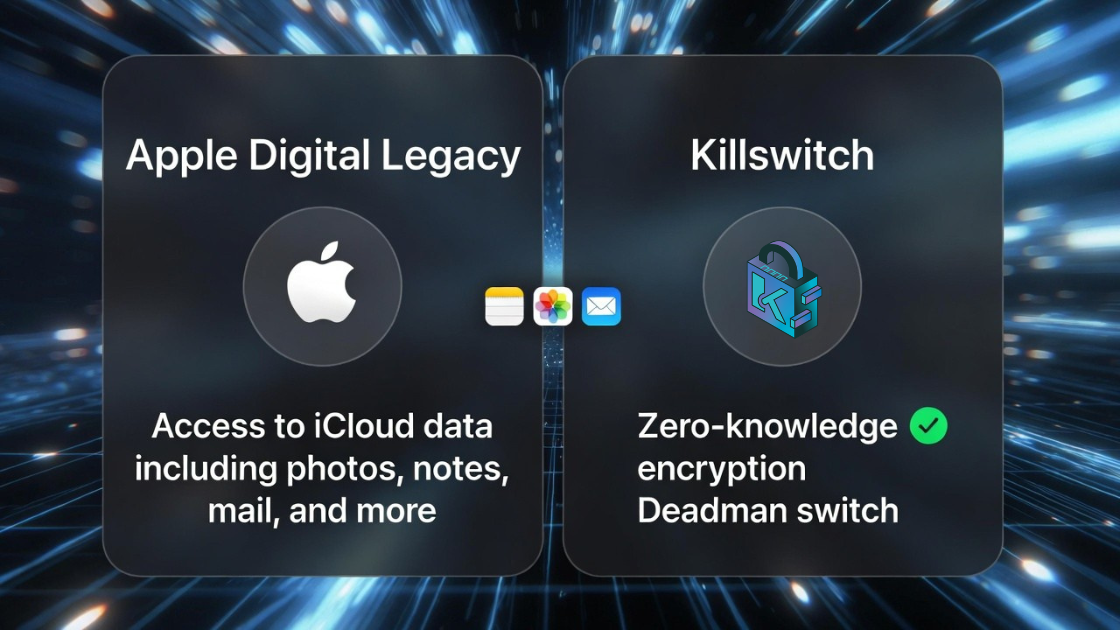
Apple Finally Addressed Digital Death — But Is It Enough?
In December 2021, Apple launched the Digital Legacy program with iOS 15.2, letting users designate a Legacy Contact who can access their iCloud data after death. It was a landmark move — the first time a major tech company built estate planning directly into its operating system.
But after years of real-world use, the limitations are becoming clear. Let's do an honest, detailed comparison of Apple Digital Legacy vs. Killswitch to help you understand what each tool actually protects.
How Apple Digital Legacy Works
- You go to Settings → Apple Account → Sign-In & Security → Legacy Contact
- You add up to 5 people as Legacy Contacts
- Each contact receives an access key (a QR code or digital file)
- After your death, they submit a death certificate to Apple along with the access key
- Apple reviews the request (typically within a few days)
- If approved, the contact gets access to your iCloud data for 3 years
What Apple Legacy Contacts Can Access:
- iCloud Photos
- Notes
- Contacts
- Calendars
- Reminders
- Messages (in iCloud)
- iCloud Drive files
- Health data
- Voice Memos
- Safari bookmarks
What Apple Legacy Contacts CANNOT Access:
- Keychain passwords — completely excluded
- Licensed media — movies, music, books purchased through iTunes/Apple
- Payment information — Apple Pay, credit cards
- Subscriptions — no way to manage or cancel them
- Non-Apple data — anything outside the Apple ecosystem
Side-by-Side Comparison
| Feature | Apple Digital Legacy | Killswitch |
|---|---|---|
| Cost | Free (with Apple device) | Affordable subscription |
| Platform | Apple ecosystem only | Any device, any browser |
| File storage | iCloud data only | Upload any file type |
| Encryption | Apple-managed encryption | AES-256 at rest + TLS in transit |
| Automatic delivery | No — requires death certificate | Yes — deadman switch |
| Password storage | Keychain excluded | Store encrypted documents with credentials |
| Non-Apple accounts | Not covered | Store info for any account |
| Video messages | No | Yes — encrypted video messages |
| Delivery trigger | Death certificate + access key | Missed check-in (configurable) |
| Time limit | 3-year access window | No expiration |
| Multiple beneficiaries | Up to 5 Legacy Contacts | Unlimited beneficiaries |
| Encryption at rest | Yes (Apple-managed keys) | Yes — a breach alone exposes only ciphertext |
| Works for Android users | No | Yes |
The 5 Biggest Limitations of Apple Digital Legacy
1. It Only Works in the Apple Ecosystem
According to Statcounter (2024), Apple holds about 27% of the global smartphone market. That means roughly 73% of the world's phone users can't use this feature at all. And even Apple users with Android-using family members can't name them as Legacy Contacts through the standard flow.
If your spouse uses Android, your parents use Windows, or your business partner has a Chromebook — Apple Digital Legacy doesn't help them.
2. No Automatic Delivery — Someone Has to Act
Apple's system requires your Legacy Contact to:
- Know they're a Legacy Contact
- Still have their access key
- Obtain a death certificate
- Submit a formal request to Apple
- Wait for Apple's review
There's no automation. If your Legacy Contact loses the access key, moves and changes their email, or simply doesn't know to initiate the process — your data sits locked away.
Compare this to a deadman switch: Killswitch checks in with you at intervals you set (daily, weekly, monthly). If you stop responding, it automatically delivers your encrypted files to your beneficiaries. No death certificate required. No manual process. No delays.
3. Your Passwords Are Explicitly Excluded
This is arguably the biggest gap. Apple Keychain — where most Apple users store their passwords — is completely excluded from the Digital Legacy program. Your Legacy Contact gets your photos, notes, and emails, but not a single password.
Think about what that means: your family can see your email, but they can't log into your bank. They can read your notes, but they can't access your investment accounts. They can see your health data, but they can't cancel your subscriptions.
4. The 3-Year Access Window
Once Apple grants access, your Legacy Contact has exactly 3 years to download everything before the account is permanently deleted. That might sound like plenty of time, but:
- Grieving families don't always act quickly
- Legal proceedings (probate, estate settlement) can take years
- Data needs might arise long after the initial access
With Killswitch, there's no ticking clock. Files are delivered directly to beneficiaries, and they keep them permanently.
5. It's a Recovery Process, Not a Delivery System
Apple's Digital Legacy stores most iCloud data with server-side encryption and releases it only after a Legacy Contact presents a death certificate and access key, and Apple approves the request. It's an access-recovery process — nothing about it is designed to deliver a specific document, message, or instruction to a specific person.
Killswitch is built the other way around. Your content and metadata are encrypted at rest with AES-256 and protected by TLS in transit — a database breach alone exposes only ciphertext — and delivery is the whole point: you decide in advance exactly which documents go to exactly which people, and the deadman switch delivers them automatically. No death certificate, no access key, no review queue in the way. (For a transparent look at Killswitch's encryption model — including why it moved away from zero-knowledge — see Leaving zero-knowledge.)
When to Use Apple Digital Legacy
Apple's program is great for:
- Casual photo preservation — making sure family can access your iCloud Photos
- Simple scenarios — you're in an all-Apple household and just want basic coverage
- It's free — zero cost means zero barrier to setting it up
You should absolutely enable it. It takes 2 minutes and provides a baseline layer of protection.
When You Need More Than Apple
Consider Killswitch when:
- Cross-platform family — your beneficiaries use Android, Windows, or other non-Apple platforms
- Passwords and credentials — you need to securely pass along login information
- Business continuity — critical business documents and access information
- Automatic delivery — you want a deadman switch that doesn't require manual action
- Explicit control — encrypted storage with sharing that is explicit, revocable, and delivered only to the people you choose
- Video messages — personal encrypted messages to loved ones
- Any files — not just what's in iCloud, but any document you want to protect
The Best Approach: Use Both
These tools aren't mutually exclusive. The smartest strategy is layered protection:
- Enable Apple Digital Legacy — it's free, takes 2 minutes, and covers your iCloud data
- Set up Killswitch — for everything Apple can't protect: passwords, non-Apple accounts, sensitive documents, cross-platform access, and automatic delivery
Your digital life extends far beyond any single ecosystem. Protecting it requires tools that do too.
Related Reading
- Background: what a dead man's switch is and how it works
- The Google equivalent has the same gap pattern: Google Inactive Account Manager vs Killswitch
Killswitch stores your documents encrypted at rest and in transit, and delivers them automatically to the people you choose via deadman switch. Start protecting your digital legacy →
Related: How an email-based dead man's switch actually works — a walk-through of check-ins, reminders, and per-beneficiary delivery.