The Password Manager Break-Glass Kit: Don't Let Your Accounts Die With You
A password manager break-glass kit is the ordered instructions that get one trusted person into your vault and the accounts behind it when you cannot unlock them. Include the master path, 2FA backup, and device unlock steps. Store the kit in Killswitch so it delivers if you miss check-ins. Start free at killswitch.app/register.
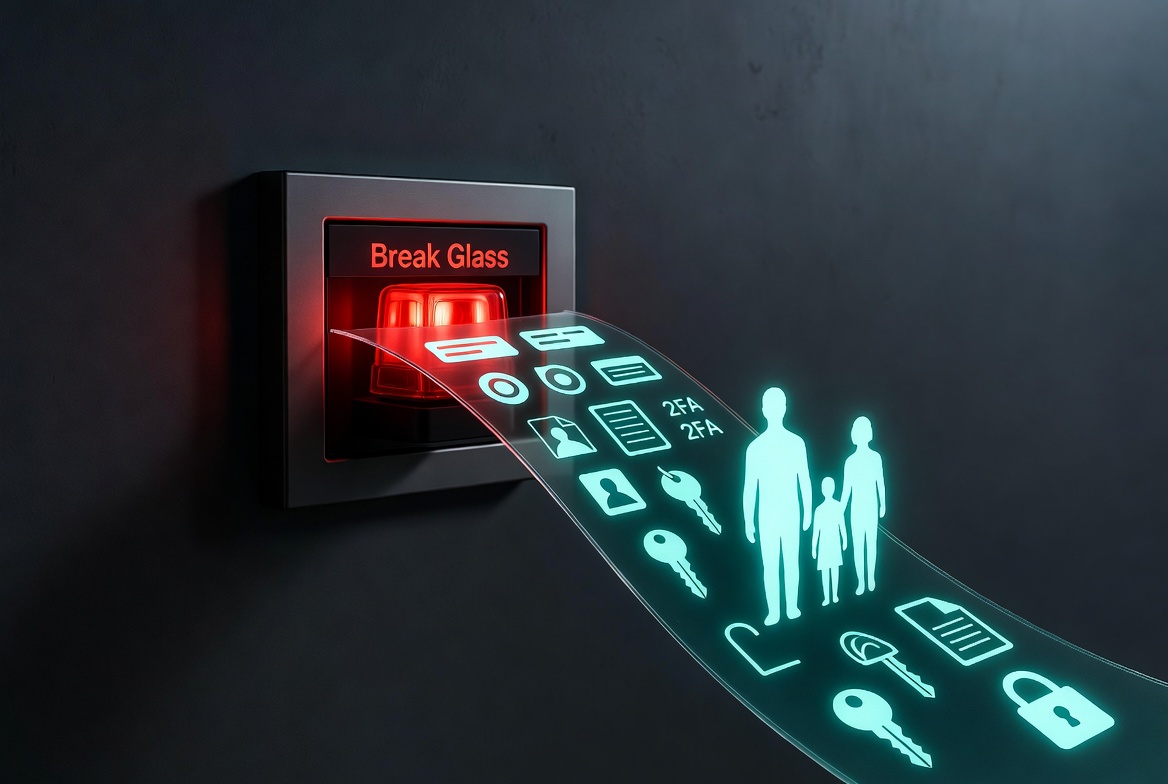 You did the responsible thing. You put every password behind one strong master password and turned on two-factor everywhere. Your digital life is locked down tight.
Maybe too tight.
Because the day you're not around, that same lock keeps out the people who need in. Your spouse might know the master password. Do they know which authenticator app coughs up the six-digit code? Where the backup codes are printed? That your bank texts a code to a phone they can't even unlock? One missing piece and they're staring at a login screen with no way through.
That's what a break-glass kit is for.
What is a break-glass kit?
It's a short, ordered set of instructions that gets one trusted person into your password manager and the critical accounts behind it, in the right sequence, without tripping every lockout along the way. The pieces that actually matter:
- Get into the manager: which app, the master password, and the part people forget, the secret key or emergency kit that some managers also require.
- Get past two-factor: where the authenticator lives, where the backup codes are, the hardware key and its spare. This is what locks people out even with the right password.
- The email behind everything: whoever controls your primary inbox can reset almost every other account, so that comes first.
- Phones and computers: device passcodes and disk recovery keys, because the codes usually live on a device.
- The accounts that need a human: the bank, the phone carrier, the domain registrar, the few that take more than a password.
- The clean path: the emergency-access features you may already have set up (1Password, Bitwarden, Apple Legacy Contact), which can skip most of the rest.
Write it so a smart person who knows nothing about your setup can follow it cold. If they can, you're done.
Why writing this down is dangerous, and how Killswitch fixes it?
Think about what you just wrote. It is, quite literally, the master key to your whole life. In a Note on your phone, a doc in your inbox, or a sticky in a drawer, it's the single most dangerous file you own. The more useful it is, the worse it is if it leaks.
Killswitch exists for exactly this tension:
- Encrypted by default. Your kit is Sealed, encrypted at rest, private until the moment you choose to share it or it's delivered to the person you choose.
- Built for it. Use a notebook with one entry per section, and attach the files that back them up (your 1Password Emergency Kit PDF, your recovery-code printout) right alongside the steps.
- Hand it off automatically. Put the notebook on a deadman switch. Check in on a schedule, and if you ever stop, Killswitch delivers the kit to the one person you named, and no one else.
- Or share it now. Got a spouse who should have it today? Share it directly, with a link you can revoke anytime.
It's the difference between "everything is locked, forever" and "the right person can get in, exactly when they need to."
See a real example
We built one so you don't start from a blank page. Here's a sample break-glass kit: the structure, the sections, the exact wording.
View the example break-glass kit →
Steal the outline, fill in your own details, and you'll close the most dangerous gap in your estate plan in an afternoon.
Start yours
- Create a notebook called "Password Manager Break-Glass Kit."
- Add an entry for each section above.
- Attach your Emergency Kit and recovery codes.
- Put it on a deadman switch, or share it with your person today.
Future-you, and the person who has to step in, will be grateful you did.
Start free at killswitch.app/register →
FAQ
What is a break-glass kit?
It's a short, ordered set of instructions that gets one trusted person into your password manager and the critical accounts behind it, in the right sequence, without tripping every lockout along the way. The pieces that actually matter:.
Why writing this down is dangerous, and how Killswitch fixes it?
Think about what you just wrote. It is, quite literally, the master key to your whole life.
What should I know about See a real example?
We built one so you don't start from a blank page. Here's a sample break-glass kit: the structure, the sections, the exact wording.
What should I know about Start yours?
Create a notebook called "Password Manager Break-Glass Kit.". Add an entry for each section above.