Your Voice in the Notebook: Video & Audio Messages, Right From Your Phone
Some things land better in your own voice than in a paragraph that reads like a legal memo. Notebook entries can now be video or audio messages — recorded in-app, encrypted at rest the moment they're stored, and delivered with the rest of your plan. Plus a rebuilt, full-screen recorder and a smoother notebook editor on mobile.
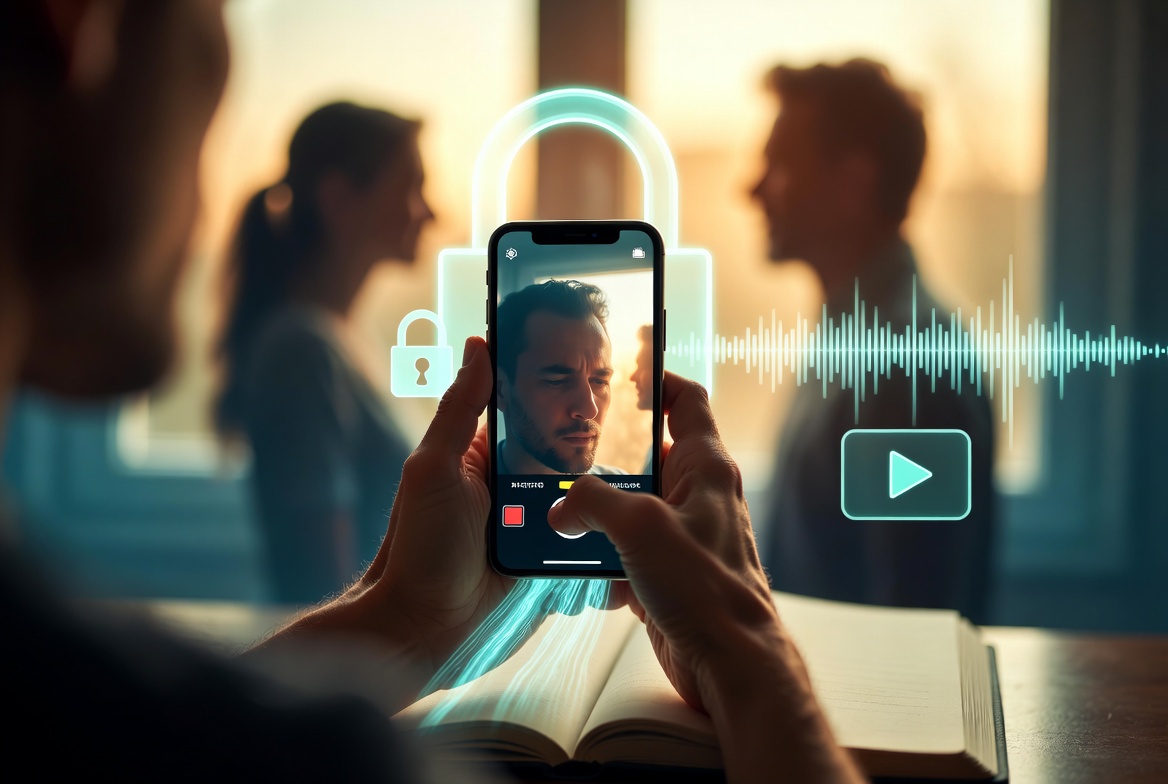 There's a particular kind of information that doesn't fit in a document. The reason behind a decision. The tone you'd want your kids to hear it in. The thirty seconds of context that turns "here is the safe deposit box key" into "here is the safe deposit box key, and here's why I gave it to your aunt and not your uncle."
You can type that. But some things land better when your family can actually hear your voice — or see your face — instead of reading a paragraph that sounds like a legal memo.
So we made notebook entries do more than text. Every entry in a Killswitch notebook can now be a video message or an audio message, recorded right where the rest of your estate plan already lives. And we rebuilt the whole recording experience on mobile while we were at it.
Three kinds of entry, one notebook
A notebook is the narrative layer of your plan — the place where the story lives alongside the files. Until now, that story was text. Now each entry can be one of three things:
- Text — the written notes you're used to.
- Audio message — tap the microphone, talk, save. Good for the things that are easier to say than to write.
- Video message — tap the camera, record, save. For the moments that deserve a face and a voice.
They sit side by side in the same notebook, in whatever order you put them. A text entry explaining where the will is, followed by a ninety-second video telling your family why you set things up the way you did, followed by an audio note for your business partner. One notebook, three formats, one story.
Private until the day it matters
This is the part that matters, and it's the part most apps quietly skip.
When you record a video or audio message in Killswitch, it travels over TLS and is encrypted at rest with AES-256 the moment it's stored — the recording and its title both, sealed in a dedicated encryption vault. The database holds ciphertext, which means a database breach alone exposes nothing: not a frame of the video, not a second of the audio, not even the name you gave the entry.
And access is deliberate, not ambient. Your recording waits, encrypted, until your switch triggers — then it's delivered only to the people you chose. It's not feeding a recommendation engine, and it's not sitting in some shared drive one bad link away from strangers.
We used to do this with zero-knowledge encryption, and we changed the architecture deliberately — it's what makes password recovery, search, and previews possible. If you want the full story on what changed and why, we wrote it up: leaving zero-knowledge.
A real recorder, especially on your phone
A microphone button is easy. A recorder that feels good to use on a phone is not — and recording a heartfelt message to your family is exactly the moment you don't want to be fighting a clumsy interface.
So the capture experience is now full-screen and iPhone-style: you tap to record, you get a clean, undistracted view of yourself (or a simple waveform for audio), and you save when you're done. No tiny embedded box, no guessing whether it's recording. It's the interaction you already know from your phone's camera, pointed at the one recording that actually matters.
The mobile notebook, rebuilt
The recorder was the headline, but it rode in with a broader mobile refresh of the notebook editor and the app shell around it:
- A smoother notebook editor on mobile — writing and editing entries on a phone no longer feels like an afterthought.
- A bottom navigation bar that matches the slide-out menu, so Home, Documents, Notes, Recordings, and Notebooks are always one tap away.
- Respecting the hardware — the layout now accounts for the notch and the safe areas at the top and bottom of modern phones, so nothing important hides behind a camera cutout or a home indicator.
The goal is simple: the phone in your pocket should be a perfectly good place to add to your plan, not a downgraded version of the desktop app. Most people will record their first video message on a phone. It should feel like the app was built for that.
What this is good for
A few of the messages people are already leaving:
The "why," not just the "what." Your documents say what to do. A thirty-second video says why — and that context is often what prevents the family argument.
The things you'd never write down. It's easier to say "I love you, and I'm sorry we didn't talk more" than to type it into a text field. Audio lowers that bar.
Instructions that need a tone of voice. "Don't sell the house right away" reads as cold. Said out loud, it's reassurance.
Proof it's really you. A face and a voice are a kind of authentication that a typed note can't match — your family knows it's you, in your words, not something assembled after the fact.
Every one of these entries lives inside a notebook that's attached to your deadman switch, encrypted at rest and in transit, and delivered to the right people automatically if you stop checking in. The message waits, sealed, until it's needed — and not a moment before.
Go leave one
Open any notebook, add an entry, and tap the microphone or the camera. The first one is the hardest. It's also the one your family will be most glad you recorded.
— Jacob
Related Reading
- The case for it: video messages to your family — the part of estate planning nobody talks about
- Where these entries live: the notebook, where the story behind your estate plan actually lives
- The encryption underneath: what zero-knowledge encryption is — and why we left it
Killswitch stores the documents — and now the messages — your family will need when you're gone, encrypted at rest and in transit, and delivers them automatically when you stop checking in.