What Is Zero-Knowledge Encryption? A Plain-English Guide
You keep seeing 'zero-knowledge encryption' on security products. Here's what it actually means, how it works, why it matters for your most sensitive documents — and the one tradeoff nobody warns you about.
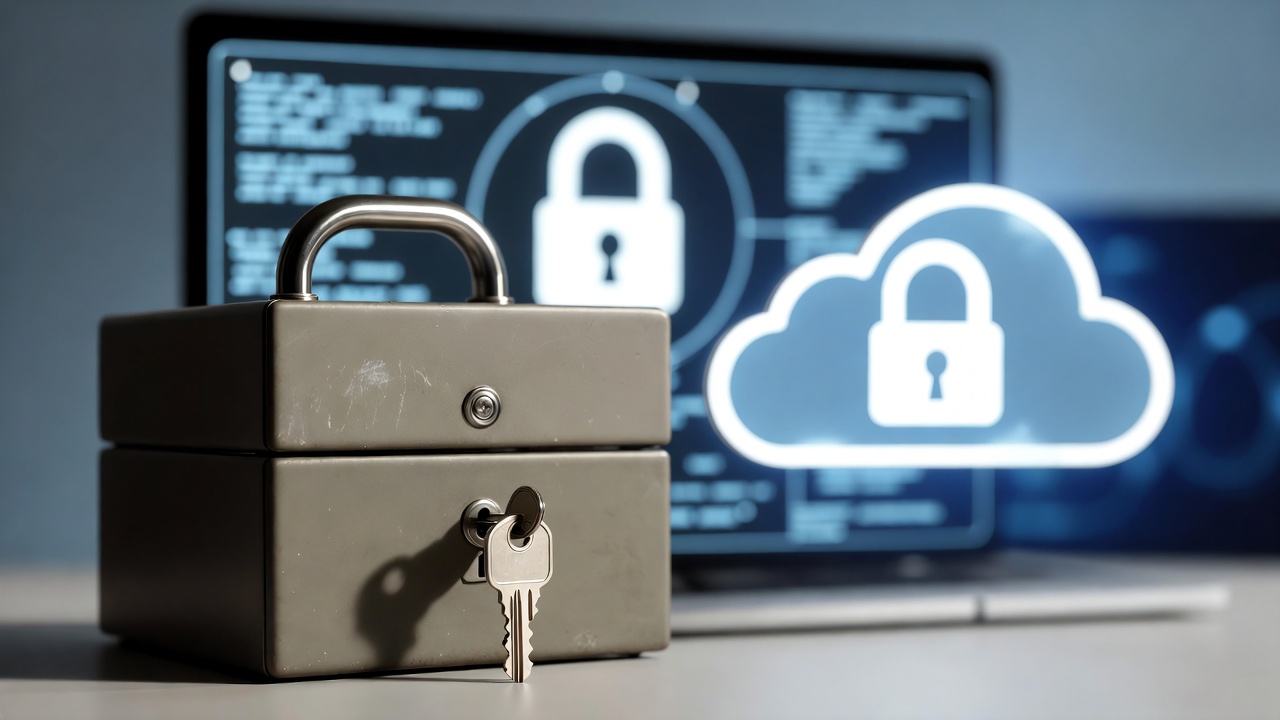
If you've been looking into password managers, encrypted storage, or digital estate planning tools, you've probably encountered the term "zero-knowledge encryption." It gets thrown around a lot, usually next to phrases like "military-grade security" and "bank-level protection."
But unlike those marketing terms (which are mostly meaningless), zero-knowledge encryption describes something very specific and very important. And once you understand it, you'll never look at cloud storage the same way.
The Simple Version
Zero-knowledge encryption means the company storing your data cannot read it. Period.
Not "chooses not to read it." Not "promises not to read it." Literally cannot. They don't have the ability, even if they wanted to, even if law enforcement demanded it, even if a hacker broke into every server they own.
That's the "zero knowledge" part. The company has zero knowledge of what your data actually contains.
How Normal Cloud Storage Works
To understand why this matters, you need to know how most cloud services handle your data.
When you upload a file to Google Drive, Dropbox, or iCloud, the service encrypts it — but they hold the encryption keys. Think of it like storing your valuables in a hotel safe where the hotel also has a master key.
Your files are protected from random outsiders. But the hotel (the service) can open the safe whenever they want. And in practice, they do — to scan your files for content, serve you targeted ads, comply with legal requests, or run machine learning on your data.
This means a Google employee could technically access your files. A successful hack of Google's systems could expose your data. A court order could compel Google to hand over your documents. And Google's own algorithms read your content to serve you better ads and features.
For most people and most data, this is fine. Your vacation photos don't need Fort Knox security. But for sensitive information — your will, financial credentials, cryptocurrency keys, personal messages meant for your family — "the company pinky-promises not to look" isn't good enough.
How Zero-Knowledge Encryption Works
Zero-knowledge encryption flips the model. Instead of encrypting your data on the server (where the company controls the keys), your data is encrypted on your device before it ever leaves.
Here's the process in plain English.
You create a password. This password never gets sent to the company. Instead, your device uses it to mathematically generate an encryption key. Think of it like a recipe: your password is the ingredient, and the encryption key is the dish. The company never sees the ingredient or the dish.
Your device encrypts your files. Before any data leaves your phone or laptop, it gets scrambled using that key. The scrambled version is what gets uploaded and stored on the company's servers.
The company stores encrypted gibberish. From their perspective, your files are indistinguishable from random noise. They can store it, back it up, and deliver it — but they can never read it.
Only you (or someone with your key) can decrypt it. When you want to access your files, you enter your password. Your device regenerates the same encryption key, downloads the scrambled data, and unscrambles it locally. The decrypted version never exists on the company's servers.
A Real-World Analogy
Imagine you write a letter, put it in a lockbox, and mail the lockbox to a storage warehouse. You keep the only key.
The warehouse can store the lockbox. They can keep it safe from fire and flood. They can even move it to a different building. But they can never read the letter inside because they don't have the key.
Now imagine you die, and you've arranged for the key to be delivered to your spouse. The warehouse sends the lockbox to your spouse. Your spouse uses the key to open it and read the letter.
At no point could the warehouse read the letter. At no point could a thief who broke into the warehouse read it. At no point could a judge order the warehouse to reveal the contents — because the warehouse genuinely doesn't know what's inside.
That's zero-knowledge encryption.
The Tradeoff Nobody Warns You About
There's a catch, and it's a significant one: if you lose your password, nobody can help you.
With normal cloud services, you click "forgot password," verify your identity, and get back in. That works because the company has your encryption keys — resetting your password just changes how you prove you're authorized to use those keys.
With zero-knowledge encryption, the company doesn't have your encryption keys. They were generated from your password, which they never had. If you forget your password, the keys are gone. Your data is still on their servers, but it's encrypted gibberish that nobody — not you, not the company, not the world's best hackers — can ever read again.
This is why zero-knowledge services give you recovery codes during signup. These codes are a backup way to regenerate your keys. Store them somewhere safe and separate from the service — because they're your only lifeline if you forget your password.
Some people find this terrifying. It should actually be reassuring. A service that can reset your password can also be tricked into resetting it by someone pretending to be you. The inability to recover your password is proof that the encryption is real. That said, this exact tradeoff is why some products — including Killswitch — have deliberately chosen to leave zero-knowledge behind: for some jobs, permanently unrecoverable data is a worse failure than trusting the service.
Who Uses Zero-Knowledge Encryption
Password managers like 1Password and Bitwarden use zero-knowledge encryption to protect your vault. They store your passwords but genuinely cannot read them. This is why they can't email you your master password — they don't have it.
End-to-end encrypted messaging apps like Signal use a similar principle. Your messages are encrypted on your device and decrypted on the recipient's device. The servers in between carry encrypted data they can't read.
Encrypted cloud storage services like Tresorit and SpiderOak offer zero-knowledge file storage as an alternative to Google Drive or Dropbox.
Deadman switch services are an instructive case. Killswitch used zero-knowledge encryption for years — and then, in 2026, deliberately moved away from it. A deadman switch has one job: deliver your documents to your family when you're gone. Zero-knowledge makes that job fragile — if keys are lost, the documents your family needs become unrecoverable forever. Killswitch now encrypts everything at rest with AES-256 instead, so delivery to beneficiaries actually works. The honest reasoning is in Why we left zero-knowledge behind.
Why It Matters for Digital Estate Planning
When you're storing your most sensitive documents — your will, financial credentials, cryptocurrency keys, personal messages — the security model of the storage service matters enormously.
Consider what you might store in a digital estate planning tool: life insurance policy details with account numbers, bank account credentials, cryptocurrency seed phrases worth potentially tens or hundreds of thousands of dollars, personal messages to your family, medical directives and power of attorney details, and business credentials and continuity plans.
If the service storing these can read them, you're trusting every employee, every contractor, and every security system at that company to perfectly protect your most sensitive information forever. One breach, one rogue employee, one successful phishing attack — and your data is exposed.
With zero-knowledge encryption, a breach of the service is meaningless. The attackers get encrypted data they can't read. A rogue employee finds nothing useful. A government subpoena produces gibberish. Your documents are protected by math, not by policy.
How to Tell If a Service Is Actually Zero-Knowledge
Not every service that claims "encryption" is zero-knowledge. Here are the telltale signs.
They can't reset your password. This is the simplest test. If a service can email you a password reset link that gives you back access to your encrypted data, they have your encryption keys. They're not zero-knowledge. They might encrypt your data on their servers, but they hold the keys.
They give you recovery codes at signup. Zero-knowledge services know that password loss means permanent data loss, so they provide backup recovery codes as a safety net. If there's no recovery code step during registration, be skeptical.
They explain client-side encryption. Zero-knowledge services are usually proud of their architecture and explain it clearly. Look for phrases like "encrypted in your browser," "client-side encryption," or "your device encrypts data before upload." If they're vague about where encryption happens, it's probably server-side (meaning they hold the keys).
They can't offer certain features. Zero-knowledge services can't search the contents of your files (because they can't read them). They can't generate previews of your documents. They can't scan for viruses inside encrypted files. The absence of these features is actually evidence that the encryption is real.
The Bottom Line
Zero-knowledge encryption is the difference between "we promise to protect your data" and "we literally cannot access your data." It's the difference between trusting a company's policies and trusting mathematics.
For everyday files — shared documents, photos, casual storage — standard cloud encryption is fine. But for the documents that matter most — the ones your family will depend on, the ones containing your financial life, the ones you'd never want exposed — zero-knowledge encryption isn't optional. It's the minimum standard.
When choosing a service to store your most sensitive information, the question isn't "do they encrypt my data?" Nearly everyone does. The question is: "Can they read my data?" If the answer is anything other than "no, and here's the math to prove it," keep looking.
Related Reading
- Background: what a dead man's switch is and how it works
- Recovery, in plain English: zero-knowledge account recovery
- A related technique people often confuse with it: Shamir's Secret Sharing in plain English
- Why traditional recovery is the soft underbelly: why "forgot password" is software's most dangerous feature
Killswitch encrypts everything at rest with AES-256 and in transit with TLS, and delivers your documents to your family automatically. We moved away from zero-knowledge on purpose — here's why. Get started today