Video Messages to Your Family: The Part of Estate Planning Nobody Talks About
Your will handles the legal stuff. Your deadman switch handles the documents. But what about the things you actually want to say? Why video messages are the most meaningful part of your estate plan — and how to record them.
Estate planning conversations always focus on the practical: passwords, accounts, documents, legal paperwork. That makes sense — your family needs access to those things.
But there's something else. Something most people think about but never act on.
What would you say to your kids if you knew they'd only hear it after you were gone? What would you tell your spouse? Your parents? Your best friend?
Most people carry those words around in their heads, assuming they'll always have time to say them in person. And most of the time, they're right. But not always.
Video messages are the part of estate planning that nobody talks about — because it's not about money or logistics. It's about the things that actually matter.
Why Video Instead of a Letter
Written letters have been part of estate planning for centuries. They work. But video adds something that text can't replicate.
Your voice. The way you actually sound. The cadence, the pauses, the laugh. For someone grieving, hearing your voice is fundamentally different from reading your words. It's closer to having you in the room.
Your face. Expressions, eye contact, the way you smile when you're being serious about something important. These are the things people miss most, and they're the things a letter can't capture.
Your presence. A video message feels like a conversation. A letter feels like a document. When your daughter watches a video of you talking directly to her, it's you talking to her — not words on a page.
Proof it's really you. In an era of AI-generated content, a video recorded in your own voice, in your own space, with your own mannerisms, carries an authenticity that text increasingly can't match.
None of this makes written messages wrong. But for the things that matter most — the emotional core of what you'd want to leave behind — video captures something irreplaceable.
What to Actually Say
This is where most people get stuck. The blank recording screen is intimidating. What do you say when you're talking to someone who'll only see this after you're gone?
Here's a framework that helps.
Start with who it's for. "Hey kiddo" or "Hi, love" — whatever you'd actually say. Not "To my beloved wife" or anything formal. Talk like yourself. That's the whole point.
Say what you'd regret not saying. If you died tomorrow and never got to say one thing to this person, what would it be? Start there. Don't overthink it. The imperfect, emotional, stumbling version is more meaningful than a polished script.
Share something only you know. A memory. An inside joke. Something that proves this message is deeply, specifically for them — not a generic goodbye. "Remember that time we..." is more powerful than any grand statement.
Give them permission. Permission to be happy. Permission to move on. Permission to make the decisions they need to make without guilt. Grieving people carry enormous weight around "what would they have wanted?" You can answer that directly.
Keep it short. Five minutes is plenty. Three is fine. One is enough if that one minute contains the thing that matters. You're not making a documentary. You're leaving a piece of yourself.
Specific Ideas by Recipient
For your spouse or partner: Talk about what your life together has meant. Mention specific moments — not just "I love you" but "I love that Tuesday mornings were ours." Tell them what you'd want for their future. Give them explicit permission to find happiness again if they want to.
For your children (especially young ones): Record messages for milestones they haven't reached yet. Graduation. First job. Wedding day. Becoming a parent themselves. These don't need to be long — even 60 seconds of you talking to their future self is a gift beyond measure. Tell them what you see in them. Tell them what you're proud of. Tell them the things you'd want them to know about who they are.
For your parents: Thank them. For specific things, not generalities. "Thank you for driving me to practice every Saturday even though I know you hated getting up early" hits differently than "thank you for everything." Let them know what kind of parent they were through your eyes.
For friends: Tell them what they meant to you. Men especially tend to go entire friendships without ever saying "you're one of the most important people in my life." Say it on camera. They'll be glad you did.
The Practical Setup
Recording a video message is simpler than you think.
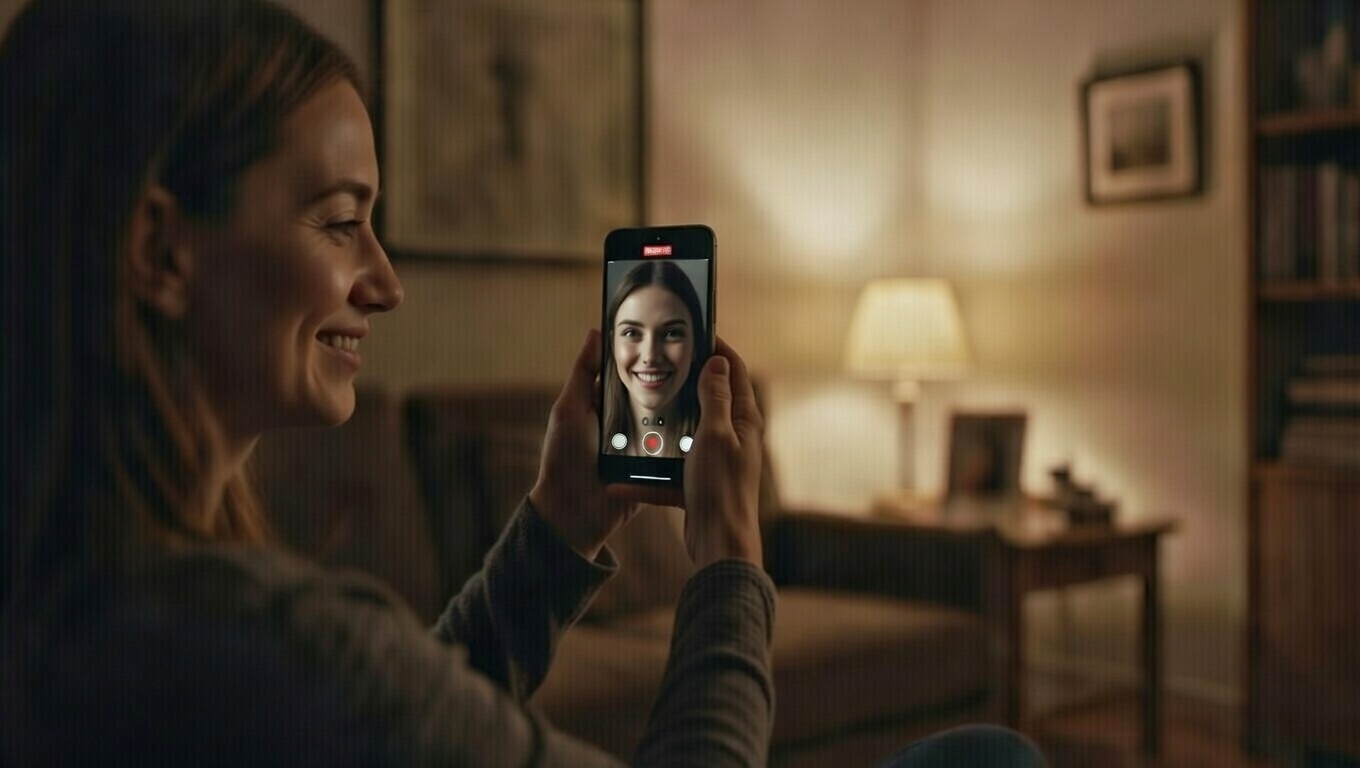
Use your phone. You don't need professional equipment. Your phone's front-facing camera in decent lighting is more than enough. The slight imperfection makes it feel more real, not less.
Find a quiet spot. Minimize background noise. Your living room, your office, your car parked in the driveway — anywhere you can talk without interruption for a few minutes.
Don't script it. Bullet points are fine. A full script makes you sound like you're reading, which kills the intimacy. The goal is to sound like yourself, not like a prepared statement.
It's okay to cry. In fact, it's almost expected. If you're recording a message for your kids to watch after you're gone and you don't get emotional, you might be a robot. The emotion is part of what makes it real.
Record multiple takes if you want. But don't over-polish. The first genuine take is usually the best one.
Record separate videos for separate people. A message addressed to one specific person is infinitely more powerful than a group address. "This one's for you" hits different than "to all my loved ones."
Storing and Delivering Video Messages
The recording is the hard part. Storage and delivery should be simple.
The wrong approach is leaving video files on your phone or computer. If your family can't access those devices (and as we've covered elsewhere on this blog, they often can't), the videos are as good as gone.
Killswitch supports video messages as a core feature. You can record or upload personal videos, attach them to secure notes for additional context, and assign them to specific beneficiaries. When your deadman switch triggers, each person receives only the video meant for them — automatically, via a secure download link.
Your videos are encrypted at rest, just like every other file in Killswitch, and stay private until they're delivered to the people you chose.
This means you can record a message for your daughter today, and it sits encrypted and private for years — decades, even — until the day she needs to hear it. And on that day, it arrives in her inbox without anyone having to find it, remember it exists, or figure out how to access it.
When to Record
There's no perfect time. But some moments are better than others.
After a milestone. Just had a baby? Record something for that child. Just got married? Record something for your spouse. The emotions are fresh and genuine.
Before a trip or event with elevated risk. Long international travel, a surgery, a risky hobby trip. You're already thinking about "what if" — channel that into something constructive.
On a regular day when you're feeling grateful. Some of the best messages come from ordinary moments. "I'm sitting on the porch and I just wanted to tell you..." carries a warmth that dramatic circumstances can't match.
When you set up your deadman switch. You're already in the mindset of preparing for the unexpected. Adding a video message while you're uploading documents and setting up beneficiaries takes an extra five minutes and adds something no document can replace.
The Message You'll Never Regret Recording
Nobody has ever said "I wish I hadn't recorded that video for my family." But millions of people have said "I wish I could hear their voice one more time."
You have the chance to give your family that gift. It costs nothing but five minutes of vulnerability.
The documents, the passwords, the legal paperwork — that's the infrastructure of estate planning. The video message? That's the heart of it.
Related Reading
- Background: what a dead man's switch is and how it works
- The text-format companion: the notebook where the story behind your estate plan actually lives
- The conversation that often precedes recording: how to talk to your spouse about digital estate planning
Killswitch supports encrypted video messages alongside document delivery. Record a message, assign it to a beneficiary, and let the deadman switch handle the rest. Your words arrive exactly when they're needed most. Get started today