Passkeys and Hardware Keys Die With the Device
Passkeys and hardware keys stop phishing for the living, but they often die with the device. A single-phone passkey, iCloud Keychain (excluded from Apple Legacy Contact), or one YubiKey can leave a family with a lock and no spare. Build a survivable second path: synced vault access, two hardware keys, recovery codes, and a note in your delivery.
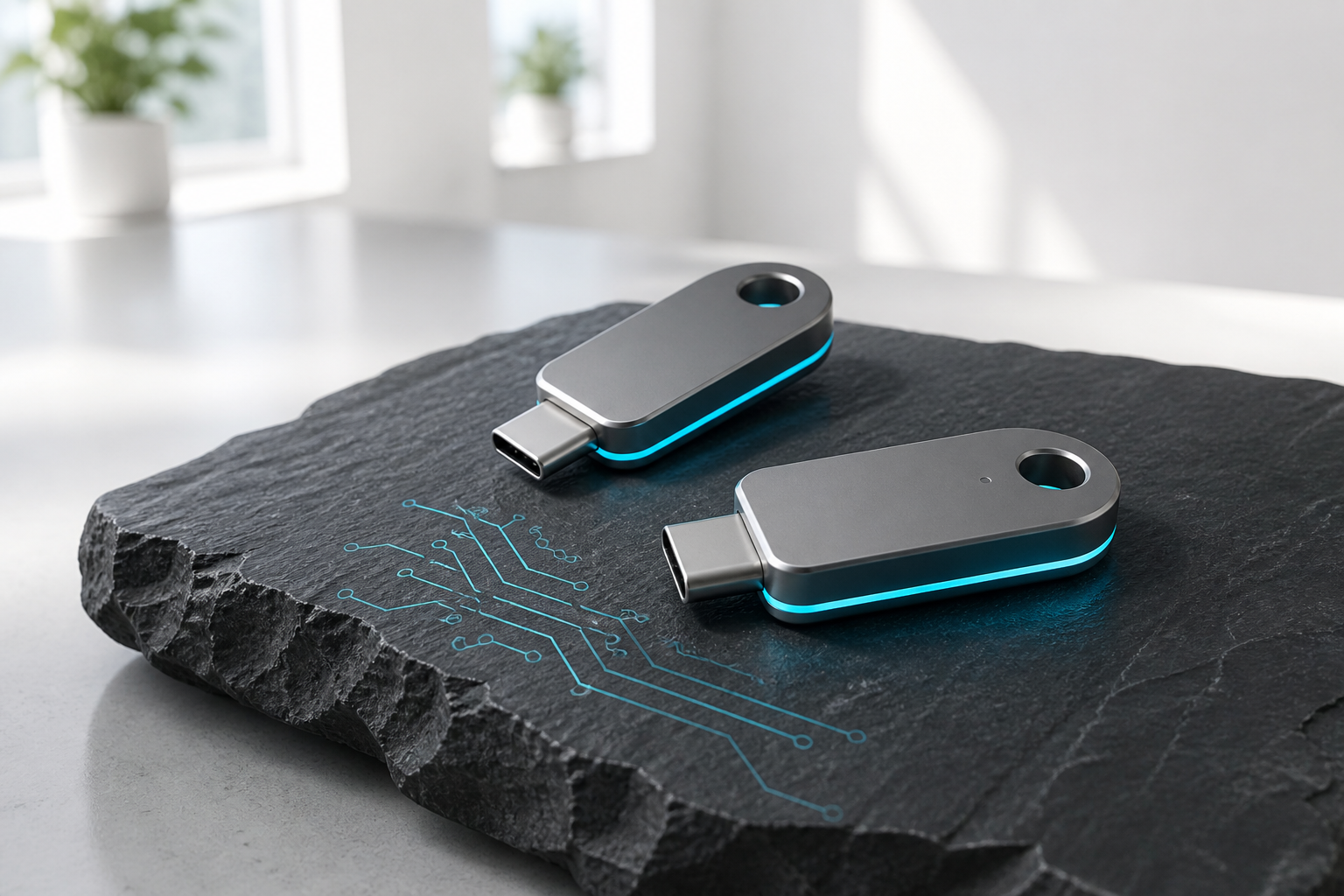
Passkeys were sold as the end of passwords. For the living, they are often better. For the dead, they are a lock with no spare.
A passkey is a secret that lives on a device, or in a cloud vault tied to a device, and proves you are you without a string you can write on a card. A hardware key is the same idea on a piece of metal you keep on a ring. Both are excellent at stopping phishing. Both are excellent at stranding a family.
This is not an argument against using them. It is the missing paragraph in every setup guide: what happens to this login if you cannot tap.
What actually dies with the device?
Three common setups, three different failures:
Passkey on one phone, nowhere else. The account is the phone. If the phone is locked, lost, or wiped, the passkey is gone. Apple and Google will not print you a copy because there is nothing to print. A death certificate does not mint a new Face ID.
Passkey synced through iCloud Keychain or Google Password Manager. Better for you. Still bad for a survivor. Apple Legacy Contact does not include Keychain. We already said that in Apple Digital Legacy vs Killswitch and in your will does not beat Apple or Google. Google's Inactive Account Manager can export some password-manager data depending on what you selected. It cannot sit at your laptop and tap a USB key. And IAM is inactivity, not death. A phone still syncing can look alive for months.
Hardware key (YubiKey, Titan, a Solo). The secret is the object. If nobody knows where it is, it is jewelry. If they find it and do not have the PIN, many keys lock themselves after enough guesses. If they have the key and the PIN and the account also wants a second key you never mentioned, they are stuck anyway. Some people buy two keys and put the spare in a drawer. Most people buy one and feel finished.
None of these are theoretical. They are the default happy path of every vendor's onboarding.
How do passkeys worsen the 2FA trap?
Even when the password is written down, the second factor often is not. We covered the general case in your 2FA will lock your family out. Passkeys and hardware keys are 2FA that ate the password.
SMS codes go to a SIM. Authenticator codes live in an app on a locked phone. Push approvals go to a device that is in a hospital bag. Passkeys go to a secure enclave. Hardware keys go to a USB port that is not in the will.
If your email is protected by a passkey on a single phone, the email is still the master key, and you just welded it to a brick. Password-reset flows for banks, payroll, and the password manager itself will bounce off that brick.
What should you do instead of hoping you remember?
You do not have to go back to sticky notes. You have to make a survivable second path, and you have to write where it is.
Sync, on purpose. If you use Apple passkeys, know whether they sync, and know that sync does not equal Legacy Contact. If you use a password manager that stores passkeys (1Password, Bitwarden, and others), put the vault on a break-glass path. The password manager break-glass kit is the map. A passkey inside a vault that nobody can open is still a brick.
Two hardware keys, not one. Register both. One on the ring. One in a place a named person can find without a scavenger hunt. Write the PIN in the same kit as the vault, not on a sticky under the keyboard. If the vendor lets you print recovery codes at setup, print them. That screen appears once.
Keep one boring backup login. Some sites still allow a password plus recovery codes next to a passkey. Use it. Recovery codes are ugly and they work when the metal is in a river. Put those codes in the vault, and put the vault in the delivery.
Do not make the phone the only authenticator. If every code lands on the device that also holds every passkey, you have a single point of failure with a nice screen. The locked iPhone problem is what that looks like in a kitchen.
What should go in the delivery?
A survivor does not need a lecture on WebAuthn. They need:
- Where the spare hardware key is, and the PIN if you are giving it.
- Which accounts are passkey-only, so they do not waste a day on "forgot password."
- Which password manager holds the synced passkeys, and how to open it.
- Which recovery codes were printed, and where the paper is.
- Who is allowed to use them. A digital executor is not the same as an executor.
If the first week is a hospital, not a funeral, say that too. Alive but can't speak is the living version of this lock.
How do you test the spare path?
Unplug the hardware key. Put the phone in another room. Can the person you named still get into email, the vault, and one bank? If the answer is "they would call me," they cannot. Fix the spare path while you can still tap.
Then run Killswitch Test Delivery so they see the note that says where the metal is, before anyone is tempted to factory-reset the phone to "start fresh."
Passkeys are good security. Security that cannot be inherited is just a very clean way to lose the account.
Put the spare path where someone can actually find it. Get started.
FAQ
Why do passkeys fail families after death?
A passkey lives on a device or in a vault tied to a device. If the phone is locked, lost, or wiped, there is often nothing to print. A death certificate does not mint a new Face ID.
Does Apple Legacy Contact include iCloud Keychain?
No. Synced passkeys through iCloud Keychain help you, not a Legacy Contact. Apple Legacy Contact does not include Keychain.
Is one hardware key enough?
Usually not. If nobody knows where it is, or they lack the PIN, or a second registered key is required, they are stuck. Register two keys, store the spare where a named person can find it, and write the PIN in the break-glass kit.
What belongs in a Killswitch delivery about passkeys?
Where the spare key is and the PIN if shared, which accounts are passkey-only, which password manager holds synced passkeys and how to open it, where printed recovery codes are, and who may use them.
How do you test whether the spare path works?
Unplug the hardware key, put the phone in another room, and see whether the named person can still reach email, the vault, and one bank. Then run Killswitch Test Delivery so they see the note before anyone factory-resets the phone.