Witnesses, not just recipients: notify-only beneficiaries and audit trails
Beneficiaries don't all need the same thing. Your lawyer needs your will, your sister might just need to know the lawyer got it. Killswitch v1.5 introduces witnesses: notify-only beneficiaries who receive an audit-trail email showing what was transferred (and, if you choose, to whom) without ever gaining file access.
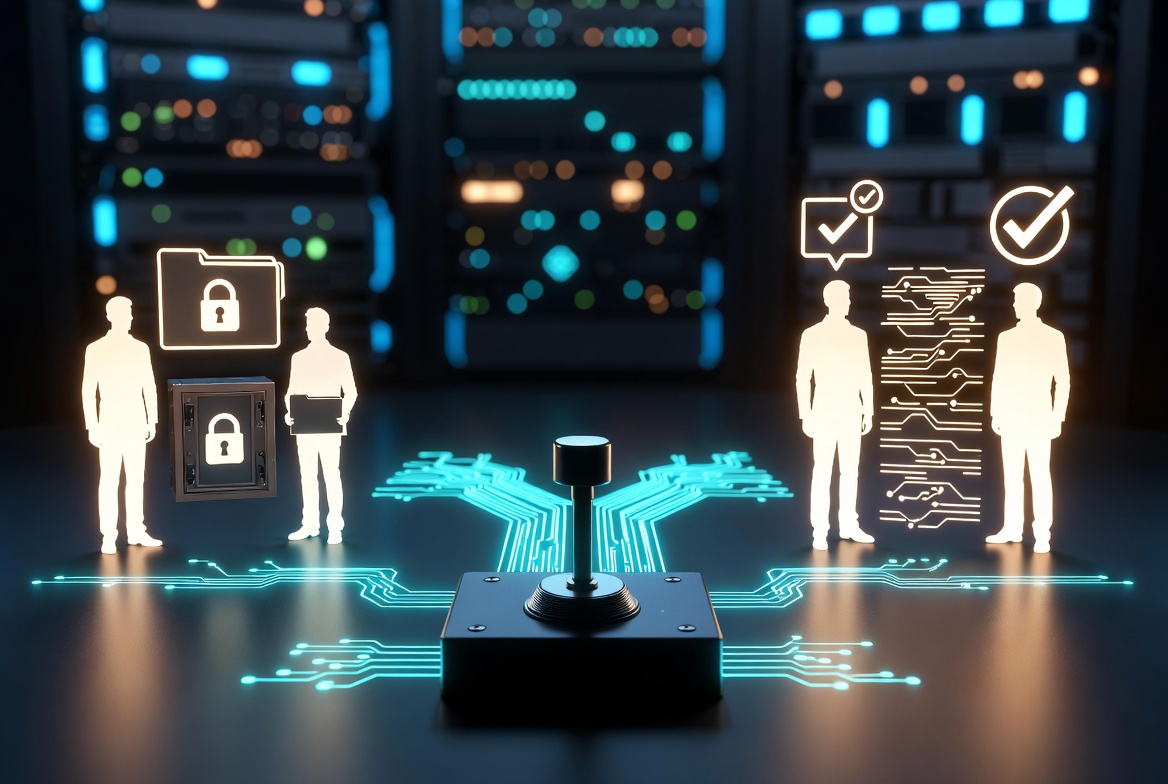
What is the problem with "all-or-nothing" beneficiaries?
When you set up a deadman switch, you pick the people who'll receive your files if you don't check in. Until now those people were all in the same bucket: when the switch fires, every beneficiary gets full access to everything you attached.
That's fine when everyone on your list genuinely needs the files. But real life is messier. Your lawyer might need your will and powers of attorney. Your sister probably doesn't, but she'd want to know that your lawyer got them. Your accountant needs your tax records. Your spouse may want to know they were delivered without having to sift through them.
The pattern we kept hearing was the same: "I trust this person with the receipt, not the contents."
Witnesses, not just recipients
In Killswitch v1.5.0 every beneficiary now has a role on each switch:
- Recipient (the default), gets the encrypted files when the switch fires. Nothing has changed for them.
- Witness, gets a notification email that the switch fired and a manifest of what was transferred. They do not receive any files and no share links are created for them.
You set the role per-beneficiary, per-switch. Alice can be a recipient on your Estate switch and a witness on your Business Continuity switch. The same address book contact, two different roles depending on the context.
What the witness email looks like?
The witness email is a real audit trail, not a generic "something happened" notification. By default it tells the witness:
- That the switch fired (and which one)
- The items that were transferred, by title
- Your custom message, if you set one
You can also flip on "Show recipient identities to witnesses", a per-switch privacy toggle. When it's on, the email reads:
Alice Smith (alice@example.com) received Will.pdf, Estate Plan, Bitcoin Wallet. Bob Carter (bob@example.com) received Power of Attorney.
When it's off, the same email is the aggregate version:
The following items were transferred to 2 other recipients: Will.pdf, Estate Plan, Bitcoin Wallet, Power of Attorney.
Whichever you choose, the witness always sees what was transferred, they just may or may not see to whom.
Why this matters?
A few use cases where witnesses are doing real work:
Estate planning. Your lawyer holds your will. Your siblings each get a witness email so they know it's been delivered, they don't end up wondering whether the estate process even started.
Crypto inheritance. Your designated heir gets the wallet. Your accountant and your lawyer each get a witness email so the chain of custody is documented without giving them keys to assets they don't manage.
Business continuity. Your co-founder gets access to the operations binder. A second co-founder and your business attorney each get a witness email, they know the handoff happened the moment the switch fires, without you having to give every person on the leadership team full document access.
Personal trust. A friend or family member who you trust to care that something happened, even if they don't need the documents themselves.
In every one of these the witness is doing the same job: independent confirmation. They're a third party who can vouch that "yes, the transfer was sent at this time, here's what was in it." That's what an audit trail is.
Titles stay live
There's a subtle thing that makes the manifest actually useful: the titles in the witness email are current titles, not "whatever the file was called when you set up the switch six months ago."
If you rename untitled.pdf to My Will (2026 revision).pdf, the witness email reflects the new name. Documents update server-side automatically. Notes, Notebooks, and Video Messages update too, their titles are encrypted at rest, and renames sync securely to the cached manifest entry so the audit trail always matches what your recipients actually received.
The point of an audit trail is that it's accurate. If the manifest said "untitled.pdf" when the recipient actually got "My Will (2026 revision).pdf", the witness wouldn't have much to vouch for.
Try it
You can preview both emails (recipient + witness) right now without waiting for an actual trigger. Open any deadman switch, flip Test Mode on, toggle Test Optional Witness in step 3 of the wizard, and use Send Test Delivery from the switch page. You'll receive both versions in your inbox so you can see exactly what each person on your list will see.
The new role is live for all paid plans starting in v1.5.0. No data migration needed, every existing beneficiary stays a full recipient by default, and you can promote any of them to a witness whenever the relationship calls for it.
Killswitch is built on the principle that the people you trust shouldn't all need the same level of access to keep things working. Witnesses are how you say "I trust you with the news, not the contents." We think that's a much more honest model for how real trust networks operate, and we'd love to hear how you're using it.
Related Reading
- Background: what a dead man's switch is and how it works
- How the switch + witness wiring works under the hood: how we built our deadman switch, and why we retired encrypted
- The reliability guarantee witnesses rely on: monthly billing and the always-fires guarantee
Killswitch brings audit-trail discipline to your most personal documents: encryption at rest for the files, a deadman switch for the handoff, and now per-beneficiary roles so the right people get the documents and the right people get to vouch that the documents arrived. Build the trust network you actually have, not the one your tooling forced you into. Get started today
FAQ
What is the problem with "all-or-nothing" beneficiaries?
When you set up a deadman switch, you pick the people who'll receive your files if you don't check in. Until now those people were all in the same bucket: when the switch fires, every beneficiary gets full access to everything you attached.
What should I know about Witnesses, not just recipients?
In Killswitch v1.5.0 every beneficiary now has a role on each switch:.
What the witness email looks like?
The witness email is a real audit trail, not a generic "something happened" notification. By default it tells the witness:.
Why this matters?
A few use cases where witnesses are doing real work:.
What should I know about Titles stay live?
There's a subtle thing that makes the manifest actually useful: the titles in the witness email are current titles, not "whatever the file was called when you set up the switch six months ago.".
What should I know about Try it?
You can preview both emails (recipient + witness) right now without waiting for an actual trigger. Open any deadman switch, flip Test Mode on, toggle Test Optional Witness in step 3 of the wizard, and use Send Test Delivery from the switch page.