Digital Estate Planning for Aging Parents: A Family Guide
73% of adults over 65 use the internet daily, but most haven't shared a single login with family. Here's how to help your aging parents organize their digital lives, with compassion and practical steps.
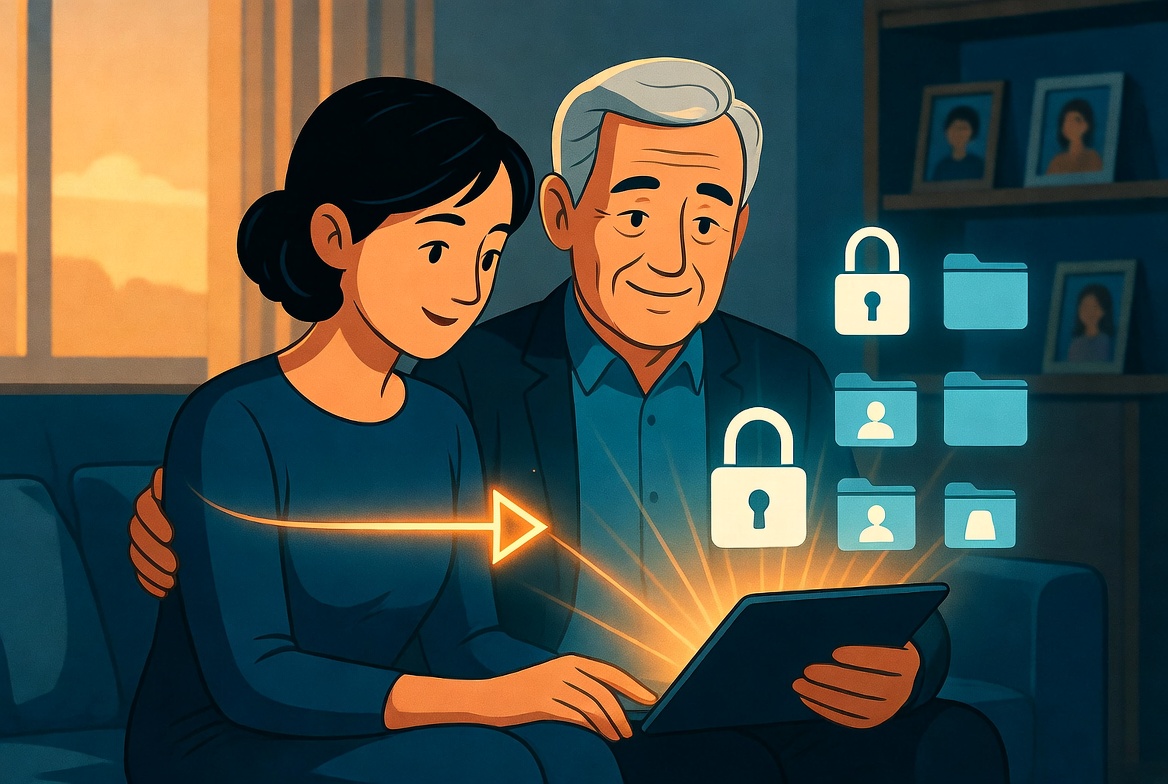
Your Parents Are More Digital Than You Think
There's a common misconception that older adults aren't "really online." The reality tells a different story.
According to the Pew Research Center (2024), 73% of Americans aged 65 and older use the internet daily. 61% own a smartphone. 45% use social media. And increasingly, their most important interactions, banking, healthcare, insurance, communication with grandchildren, happen online.
But here's the gap: while your parents may be comfortable using these services, they almost certainly haven't planned for what happens when they can't. Only 44% of Americans over 55 have any kind of estate plan at all (Caring.com, 2024), and even fewer have addressed digital assets.
As the adult child, you're likely the one who will need to manage their digital life if they become incapacitated or pass away. This guide will help you have the conversation, build the plan, and protect the family, all while being respectful and compassionate.
Why This Is Different from General Estate Planning?
This isn't the same as planning for your own digital estate. When you're helping aging parents, there are unique challenges:
1. The Role Reversal Is Uncomfortable
You're essentially asking your parents to trust you with their private information. For a generation that values independence, this can feel like a loss of control.
2. Cognitive Decline Changes the Timeline
Unlike younger adults who have decades to "get around to it," aging parents face a window that may be closing. According to the Alzheimer's Association, 1 in 9 Americans aged 65+ has Alzheimer's dementia, and many more experience mild cognitive impairment. If your parent starts forgetting passwords or gets confused by online interfaces, the time to act is now, not later.
3. They're Targets for Scams
The FBI's Internet Crime Complaint Center (IC3) reported that Americans over 60 lost $3.4 billion to online scams in 2023, more than any other age group. Part of digital estate planning is ensuring they have safeguards against fraud.
4. Their Financial Lives Are Often Fragmented
Older adults may have accounts at institutions they've used for decades: a credit union from their first job, a brokerage opened in the 1990s, insurance policies from multiple employers. Many of these are now managed online, but the login details may be scattered across Post-it notes, old notebooks, and memory.
How to Start the Conversation?
This is the hardest part. Here are approaches that work:
Frame It Around a Current Event
"Mom, I was reading about how families lose access to bank accounts when someone gets sick. It made me think, do you have your online logins written down somewhere?"
Make It Mutual
"Dad, I'm actually working on organizing my own digital accounts. It made me realize I should help you and Mom do the same thing. Want to do it together?"
Connect It to Something They Care About
"Grandma, you have amazing photos on your iPad. If something happened, I'd want to make sure we could always access those. Can we make a plan for that?"
Use a Recent Family Experience
"After Uncle Dave passed, Aunt Susan spent months trying to get into his bank account. I don't want us to go through that."
What NOT to Say
- "You're getting old, so we need to plan for..." (patronizing)
- "I need your passwords" (sounds like you want access NOW)
- "What if you get dementia?" (scary and unhelpful)
- "You should let me manage your accounts" (implies incompetence)
The Account Inventory: What to Gather
Work through this with your parents, ideally sitting next to them at their computer. Let them drive. You're there to help organize, not take over.
Financial (Most Critical)
| Account Type | What to Document |
|---|---|
| Bank accounts | Institution, account numbers, online login, mobile app status |
| Investment/brokerage | Institution, account numbers, online login, financial advisor contact |
| Retirement accounts | 401(k), IRA, pension portals, login credentials |
| Social Security | SSA.gov login (used for benefits, Medicare) |
| Insurance | Life, health, home, auto, policy numbers, carrier portals |
| Credit cards | All active cards, autopay schedules |
| Mortgage/rent | Payment portal, loan number |
Healthcare
| Account Type | What to Document |
|---|---|
| Medicare | Medicare.gov login |
| Supplemental insurance | Medigap or Medicare Advantage portal |
| Prescription plan | Part D or pharmacy portal |
| Patient portals | MyChart, hospital portals for each provider |
| Pharmacy | CVS, Walgreens, mail-order pharmacy logins |
| Health apps | Any apps tracking medications, vitals, appointments |
Communication & Personal
| Account Type | What to Document |
|---|---|
| Primary and secondary email accounts | |
| Phone | Carrier account, voicemail PIN |
| Social media | Facebook, Instagram, others |
| Video calling | FaceTime, Zoom, Skype (used to talk to family) |
| Photo storage | iCloud, Google Photos, or printed photo scanning services |
Home & Services
| Account Type | What to Document |
|---|---|
| Utilities | Electric, water, gas, internet, phone |
| Smart home | Ring doorbell, security system, smart thermostat |
| Subscriptions | Streaming, newspaper, magazine |
| Shopping | Amazon, grocery delivery |
How do you set up Secure Access?
Once you have the inventory, you need a secure place to store it. Here are the options, from least to most secure:
Option 1: The Notebook in the Safe (Low-Tech)
Many parents are more comfortable with a physical notebook. That's fine as a starting point, but it has drawbacks:
- Fire, flood, or theft can destroy it
- You need physical access to retrieve it
- It can't be updated remotely
- Someone with physical access to the safe can read everything
Option 2: Shared Password Manager
Set up a family password manager account where you can share a vault with your parents. This works well if your parents are tech-comfortable, but:
- Requires both parties to use the same service
- Parents need to consistently save new passwords there
- Doesn't solve the "what if nobody can log into the password manager" problem
Option 3: Encrypted Storage with a Deadman Switch
This is the most comprehensive approach, especially for estate planning:
With Killswitch, you or your parents can:
- Upload an encrypted document containing the complete account inventory
- Store important files (insurance policies, legal documents, medical directives)
- Set up a deadman switch, if your parent stops checking in, documents are automatically delivered to you
- Content and metadata are encrypted at rest, a database breach alone exposes nothing (how our encryption works)
- Parents retain full control; you only get access when the switch triggers
Why this works well for aging parents: The deadman switch handles the scenario nobody wants to talk about, gradual cognitive decline. If a parent with early-stage Alzheimer's slowly stops being able to check in, the switch naturally triggers and the family gets the information they need.
Power of Attorney for Digital Assets
Work with your parents' attorney to ensure their Power of Attorney (POA) explicitly includes digital assets. A standard POA may not give you authority to:
- Access online accounts
- Manage digital subscriptions
- Interact with technology companies on their behalf
- Download data from cloud accounts
Ask the attorney to include language like: "My agent is authorized to access, manage, control, and dispose of any and all digital accounts, digital assets, and electronically stored information."
HIPAA Authorization
For healthcare portals, you'll also need a HIPAA authorization form that specifically allows you to access your parent's medical records and patient portals. Without this, healthcare providers cannot share information with you, even if you have a general POA.
How do you protect Against Scams?
While you're organizing their digital life, implement these safeguards:
1. Enable Two-Factor Authentication
Set up 2FA on all financial accounts. Use an authenticator app (not SMS if possible). Store backup codes securely.
2. Freeze Their Credit
Place a credit freeze with all three bureaus (Equifax, Experian, TransUnion). This prevents new accounts from being opened in their name. It's free and can be temporarily lifted when needed.
3. Set Up Account Alerts
Enable notifications for:
- Large transactions (over $100 or whatever makes sense)
- Password change attempts
- New device logins
- Wire transfers or Zelle payments
4. Establish a "Verification" Rule
Create a family rule: "If anyone calls or emails claiming to be from the bank, IRS, or Medicare, hang up and call the institution directly using the number on your statement."
5. Review Accounts Regularly
Set a monthly or quarterly check-in where you review their bank and credit card statements together. Frame it as "let's make sure everything looks right" rather than "let me check your spending."
The Graduated Approach
You don't have to do everything at once. Here's a phased plan:
Phase 1: The Conversation (Week 1)
- Have the initial conversation using the scripts above
- Agree that organizing digital accounts is a good idea
- Schedule a time to sit down together
Phase 2: The Inventory (Week 2-3)
- Sit together and go through the account categories
- Document everything in a shared document or notebook
- Identify the most critical accounts (bank, insurance, Medicare)
Phase 3: Secure Storage (Week 4)
- Set up a Killswitch account (yours or your parent's)
- Upload the encrypted account inventory
- Configure the deadman switch and add yourself as beneficiary
Phase 4: Legal Foundations (Month 2)
- Review POA to include digital asset language
- Complete HIPAA authorization forms
- Update the traditional will if needed
Phase 5: Ongoing Protection (Quarterly)
- Review the account inventory for changes
- Check in on any new accounts or passwords
- Verify the deadman switch is still configured correctly
- Review bank statements together for unusual activity
A Note on Dignity and Respect
Throughout this process, remember: your parents are not children. They're adults who have managed their lives for decades. The goal isn't to take control, it's to ensure continuity and prevent the chaos that happens when families are caught unprepared.
Let them make decisions. Let them set the pace. And let them know that having a plan makes them more independent, not less, because they're choosing what happens, rather than leaving it to chance.
Related Reading
- Background: what a dead man's switch is and how it works
- If a partner is involved in the conversation: how to talk to your spouse about digital estate planning
- The hands-on checklist: the 25-item digital estate planning checklist
Killswitch helps families plan for the future by storing account inventories and documents encrypted at rest and in transit, and delivering them automatically to the people you choose. Start your family's plan →
FAQ
What should I know about Your Parents Are More Digital Than You Think?
There's a common misconception that older adults aren't "really online." The reality tells a different story.
Why This Is Different from General Estate Planning?
This isn't the same as planning for your own digital estate. When you're helping aging parents, there are unique challenges:.
How to Start the Conversation?
This is the hardest part. Here are approaches that work:.
What is the Account Inventory: What to Gather?
Work through this with your parents, ideally sitting next to them at their computer. Let them drive.
How do you set up Secure Access?
Once you have the inventory, you need a secure place to store it. Here are the options, from least to most secure:.
What should I know about Power of Attorney for Digital Assets?
Work with your parents' attorney to ensure their Power of Attorney (POA) explicitly includes digital assets. A standard POA may not give you authority to:.