Why "Forgot Password" Is the Most Dangerous Feature in Software
Every account you own is only as secure as its recovery flow. "Forgot password" is, by design, a feature that lets someone who isn't you take over your account if they can convince the system they're you. A look at why recovery is the real security perimeter, and what better recovery would look like.
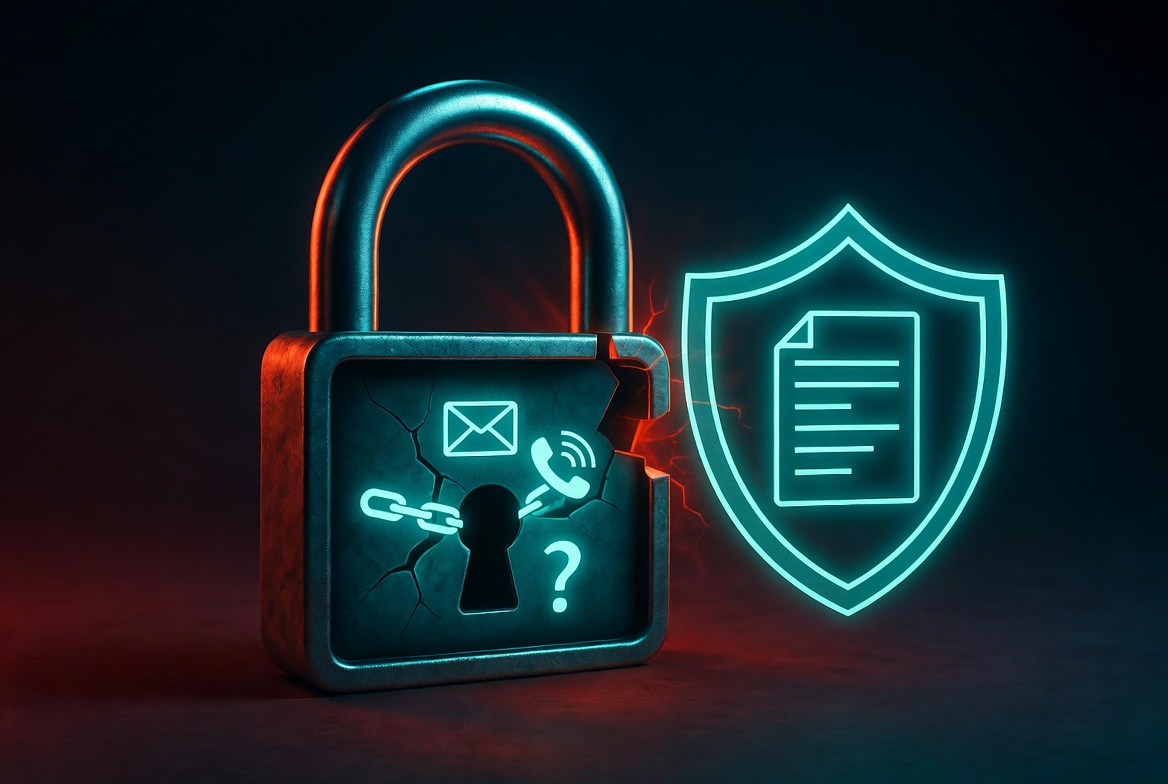
The Most Trusted Backdoor in Software
Every system that lets you reset your password is, by design, a system where someone other than you can take control of your account. That's not a bug. It's the central feature.
The fiction we maintain, that "forgot password" is a service designed to recover your access, papers over a more uncomfortable truth: it's a service designed to grant access to whoever can convince the system they're you. Most of the time that's you. Sometimes it's your family. Sometimes it's an attacker who phished your email, swapped your SIM, or social-engineered a support agent into believing they were you.
The strength of every account you own is bounded above by the weakness of its recovery path. And the recovery path is almost always the weakest thing about it.
This is the dirty secret of modern authentication. The password is irrelevant. The hardware key is mostly irrelevant. The 2FA is somewhat relevant. The real attack surface is the recovery flow, and almost every product treats it as an afterthought.
The Three Types of Recovery, Ranked By How Bad They Are
Type 1: Email recovery (and its derivatives)
The default. Click "forgot password," receive a reset link, set a new password, you're in.
Why it's bad:
- It collapses the security of every account you own into the security of one email account.
- Email accounts are themselves protected by, wait for it, email recovery, which means a recursive mess where the strongest security you have is the weakest single email account in the chain.
- A compromised email account compromises everything downstream of it. Banks, brokerages, social media, work accounts.
- Email providers themselves use SMS or security questions for their recovery, pushing the actual weak point further out of view.
Email recovery doesn't fail because the math is wrong. It fails because email itself was never designed to be the foundation of identity, and we built the entire authentication ecosystem on top of it anyway.
Type 2: SMS recovery
Worse than email recovery, somehow more popular.
A 6-digit code arrives on your phone. You type it. You're in.
Why it's bad:
- SIM swap attacks are a real and ongoing problem. Telecom support agents transfer phone numbers to attackers with surprising frequency, sometimes for as little as a $20 bribe.
- SS7 vulnerabilities allow direct interception of SMS in some networks.
- Phones are lost, broken, swapped, and inherited. The notion that a particular number identifies a particular person is a polite assumption, not a fact.
- "Add a phone number for security" is sold as a feature; in practice, it's usually a downgrade, because services often allow recovery via SMS even when stronger 2FA is configured.
The crypto industry has known about SMS recovery's weakness for at least a decade. Many high-net-worth crypto users have lost six and seven figures to SIM swaps. The lesson did not propagate to the rest of the consumer software industry.
Type 3: Security questions
A relic. Indefensibly bad.
"What was your mother's maiden name?" is in a public records database. "What was your first pet's name?" is in your Instagram. "What was the make of your first car?" is the kind of thing your high school yearbook can answer.
Some services let you make up your own questions. Most don't. The ones that do still display the question publicly to the person attempting recovery, which gives away the format of the answer.
Security questions are not a recovery mechanism. They are a checkbox someone added to the signup flow in 2003 and never removed.
Why Recovery Is So Hard?
It's tempting to look at the above and conclude the engineers are lazy or the product managers are clueless. They mostly aren't. The reason recovery is bad is that the goal is genuinely contradictory.
A recovery system has to:
- Let the rightful owner regain access when they've forgotten or lost their credentials.
- Prevent anyone else from regaining access by pretending to be the rightful owner.
- Work without requiring the owner to have planned ahead.
- Work at low cost, at scale, without per-account human review.
Goals (1) and (2) are in tension. Goals (3) and (4) make that tension worse. There is no recovery system that satisfies all four perfectly, because the rightful owner who has lost everything looks identical, from the system's perspective, to an attacker pretending to be them.
The whole modern authentication stack is an attempt to balance these tradeoffs. Each new mechanism, security questions, SMS, email links, account recovery codes, hardware keys, biometric verification, identity verification by uploading a passport photo, is a specific point on the tradeoff curve, with specific failure modes.
None of them are good. Some are merely less bad than others.
Recovery Codes: The One That's Actually Honest
There's one recovery mechanism that's strictly better than the others, used by serious security products and avoided by most consumer ones: recovery codes.
When you sign up for a encrypted service like 1Password or Bitwarden, you're given a string of random characters during onboarding. The service tells you, in clear language: store this. The service will never see it. If you lose your password and don't have this code, your data is unrecoverable.
This is the honest version. It says, out loud, what every other service is hiding: recovery is a dangerous feature, and the only way to make it safe is to delegate it back to the user.
The downside is real. Users lose recovery codes. They write them in places where they can't find them later. They take the warning lightly, get burned, and lose their data. Many users prefer the dishonest version (email recovery) precisely because it's forgiving in a way that real cryptography cannot be.
But the honest version has a property the others don't: it doesn't lie to you about who can access your account. With recovery codes, only people with the code can. With email recovery, anyone who can compromise your email can, and "compromising your email" is an entire industry.
(Full disclosure: Killswitch used to be on that encrypted list, and no longer is. We now offer password reset, because for a product whose entire job is making sure the right people get access when you can't authenticate, "lose your password, lose everything" is the wrong trade, the failure mode we exist to prevent. We moved to encryption at rest so the recovery path could actually work. Different products sit at different points on the tradeoff curve, deliberately.)
The Inheritance Problem Is the Recovery Problem
Here's where this connects to the work we do.
A deadman switch is, in a precise sense, a delayed recovery mechanism. The user has lost the ability to authenticate (because they're dead, incapacitated, or unreachable). Someone else needs to gain access. The system has to handle this without:
- Granting the someone-else access while the user is still alive
- Requiring the user to have shared a password
- Trusting the someone-else not to lie about whether the user is alive
- Leaving the content unencrypted at rest
This is recovery, but with a different trigger. Instead of "the user clicked 'forgot password,'" the trigger is "the user stopped checking in, past the configured grace period, with reminders sent and acknowledged-as-undelivered."
Frame it that way and the design constraints become clearer. You're not building a feature; you're answering, for the first time honestly, the question "who is allowed to recover this account, and under what conditions?"
The answer most services give to that question is: "anyone who can read your email, plus our support team, plus anyone they're feeling generous with today."
The answer a deadman switch gives is: "specifically these people, only after these conditions, with a tamper-evident log of who got what."
That's a different category of system. It's also, in our view, what recovery should look like by default everywhere, not just for inheritance, but for normal access loss too.
What "Better Recovery" Actually Looks Like?
If we got to redesign the recovery UX of a typical consumer app, here's what it would have:
- Recovery codes generated at signup, displayed once, never stored on the server. Same model as the encrypted folks.
- No email-based recovery as a primary path. Email recovery would be opt-in, clearly labeled as a weaker security tradeoff, and never enabled silently.
- No SMS recovery, period. SIM swaps are too common.
- Optional designated recovery contacts. People you've named, in advance, as authorized to vouch for you. Used by Apple's Account Recovery, in a limited form. Should be more widely available.
- Optional time-locked recovery. Want to recover access? You can, in seven days, with notifications going out to all your registered devices and contacts. This deters most attackers (they can't wait) while still letting legitimate users recover.
- Optional "this account is shared with my estate." Designate a beneficiary at signup. They get access if you stop checking in for a configurable period. Same architecture as a deadman switch, baked into the auth flow.
None of this is technically hard. It's all been done by someone, somewhere. What's missing is the recognition that the recovery flow is not a side feature, it's the security perimeter.
What You Can Do Right Now?
You can't fix every service you use. You can do these things:
- Audit your email recovery chain. Make sure your primary email account uses something stronger than "another email" for recovery. A hardware key, ideally.
- Disable SMS recovery anywhere it's optional. Especially for financial accounts, crypto, and your password manager.
- Print and store your recovery codes physically. Ideally in two places (your home and a trusted family member's home, for example).
- Set up a deadman-switch-style recovery for your most sensitive accounts. Either via the service's own legacy contact feature or via a tool that handles it more comprehensively.
- Stop treating "forgot password" as a feature you'll need. Treat it as a backdoor you're hoping no one else uses.
The accounts you care most about should be the ones with the strictest recovery posture, even if it means accepting that you, personally, could lose access if you make a mistake. That's the deal. The same flexibility that helps you helps everyone trying to be you.
Related Reading
- Background: what a dead man's switch is and how it works
- The architecture that makes it unsafe: what AES-256 encryption at rest actually means
- And how to do recovery safely: account recovery without a safety net
Killswitch treats recovery the way an inheritance product should: content and metadata encrypted at rest and in transit, a password reset path that actually works when you need it, and a deadman switch as the legitimate path for designated people to receive specific files when you can't authenticate anymore. Get started today
FAQ
What is the Most Trusted Backdoor in Software?
Every system that lets you reset your password is, by design, a system where someone other than you can take control of your account. That's not a bug.
Why Recovery Is So Hard?
It's tempting to look at the above and conclude the engineers are lazy or the product managers are clueless. They mostly aren't.
What should I know about Recovery Codes: The One That's Actually Honest?
There's one recovery mechanism that's strictly better than the others, used by serious security products and avoided by most consumer ones: recovery codes.
What is the Inheritance Problem Is the Recovery Problem?
Here's where this connects to the work we do.
What "Better Recovery" Actually Looks Like?
If we got to redesign the recovery UX of a typical consumer app, here's what it would have:.
What You Can Do Right Now?
You can't fix every service you use. You can do these things:.