What Happens to Your Social Media Accounts When You Die?
Over 10,000 Facebook users die every day, yet most people have no plan for their social media accounts. Learn what each platform does — and how to take control before it's too late.
Every Day, Thousands of Social Media Accounts Outlive Their Owners
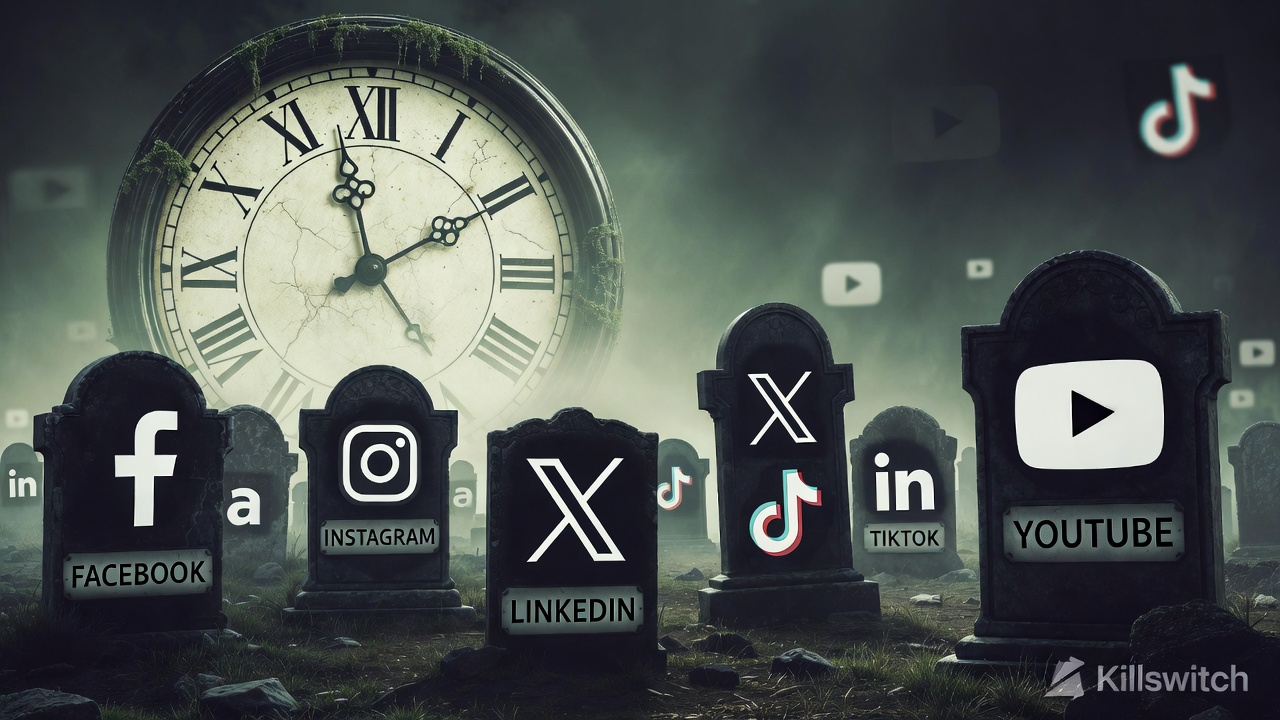 Here's a statistic that might surprise you: over 10,000 Facebook users die every single day, according to research from the Oxford Internet Institute. By 2070, deceased Facebook users are projected to outnumber the living. And Facebook is just one platform — the same thing is happening across Instagram, X (formerly Twitter), LinkedIn, TikTok, and every other social network.
Yet most people have zero plan for what happens to these accounts after they're gone.
The result? Grieving families face locked accounts they can't access, memorialized profiles they didn't want, and — in the worst cases — scammers who hijack the accounts of the deceased.
Let's break down what actually happens on each major platform, and what you can do about it right now.
Facebook and Instagram (Meta)
What happens by default: If no one reports the death, your account just... sits there. Friends might keep posting on your wall not knowing you've passed. If someone does report it, Meta offers two options:
- Memorialization — The word "Remembering" appears next to your name. The account can't be logged into, but existing posts remain visible. A designated Legacy Contact can pin a tribute post and respond to friend requests.
- Account deletion — A verified immediate family member can request permanent deletion.
What you can do now:
- Set a Legacy Contact in Settings → Memorialization Settings
- Alternatively, request that your account be deleted after death
The problem: Your Legacy Contact can't download your photos, read your messages, or remove embarrassing old posts. They have very limited control.
X (formerly Twitter)
What happens by default: X has no memorialization feature at all. The account stays active indefinitely unless someone reports it.
Deactivation process: A verified family member or estate executor can submit a deactivation request, but X requires:
- Proof of death (death certificate)
- Proof of relationship
- A copy of the requestor's ID
The problem: There is no way to transfer content. Once deactivated, all tweets are gone forever. There is no "download my data" option available to family members.
What happens by default: The profile stays active. You might even keep appearing in "People You May Know" suggestions — a painful experience for grieving colleagues and friends.
Memorialization process: LinkedIn accepts reports from verified family members. They'll either remove the profile or display a memorial banner.
The problem: LinkedIn doesn't hand over any account data to family. Professional connections, recommendations, and messages are lost.
TikTok
What happens by default: The account remains active. Videos stay public.
Removal process: TikTok's support page allows family members to request account deletion, but the process requires submitting a death certificate and proof of relationship through their support system.
The problem: TikTok does not offer any form of memorialization or legacy contact system. It's all-or-nothing: the account stays as-is, or gets deleted entirely.
YouTube (Google)
What happens by default: YouTube falls under Google's Inactive Account Manager. If you've set it up, Google can notify trusted contacts and share data after a preset inactivity period (3, 6, 12, or 18 months).
The problem: If you haven't set up Inactive Account Manager — and 97% of people haven't — your family has to go through Google's lengthy deceased user process, which requires legal documentation and can take months.
The Bigger Problem Nobody Talks About
Each platform has its own process. Its own requirements. Its own timeline. Your family would need to:
- Figure out which platforms you were even on
- Find the right help page for each one (good luck)
- Submit death certificates to each individually
- Wait weeks or months for each response
- Accept that most content is permanently inaccessible
According to a 2023 survey by Caring.com, only 32% of American adults have any kind of estate plan, and even fewer have addressed their digital accounts.
That means your family is almost certainly going to face this problem — unless you plan ahead.
How to Actually Protect Your Social Media Legacy
Here's a practical approach that takes about 30 minutes:
Step 1: Inventory Your Accounts
Make a list of every social media account you have. Don't forget the ones you rarely use — that old Tumblr, your Pinterest boards, your Reddit account.
Step 2: Set Platform-Specific Options
- Facebook/Instagram: Set a Legacy Contact
- Google/YouTube: Set up Inactive Account Manager
- All platforms: Download your data (most platforms offer this in Settings → Privacy)
Step 3: Document Your Wishes
Write down what you want done with each account. Delete it? Memorialize it? Are there specific posts or photos your family should save first?
Step 4: Store Instructions Securely
This is where most plans fall apart. You can't just put passwords in a Word doc on your desktop — that's insecure and your family might not find it in time.
An encrypted deadman switch solves this. With Killswitch, you can:
- Store encrypted instructions for each platform
- Upload important photos or videos you want preserved
- Set a deadman switch that automatically delivers everything to your chosen beneficiaries if you stop checking in
- Keep everything secure — content and metadata are encrypted at rest
Step 5: Tell Someone the Plan Exists
You don't need to share details. Just tell a trusted person: "I've set up Killswitch to send you important documents if something happens to me. You'll get an email."
The Clock Is Ticking
Social media companies aren't going to solve this problem for you. Their memorialization features are limited by design — they weren't built for estate planning, they were built for liability protection.
The average person has 8.4 social media accounts (DataReportal, 2024). That's 8+ platforms your family would need to navigate while grieving.
Don't leave them with that burden. A 30-minute investment today can save your family weeks of frustration and heartbreak.
Related Reading
- Background: what a dead man's switch is and how it works
- A practical next step: the 25-item digital estate planning checklist
Killswitch is an encrypted platform for digital estate planning. Your data is encrypted at rest — a database breach alone exposes nothing. (Here's why we retired zero-knowledge encryption.) Start your plan today →