The Mailbox Problem: How Hide My Email, SimpleLogin, and Apple Relay Break Your Estate Plan
Hide My Email, SimpleLogin, and similar forwarding services give every account a unique private alias. They also create a hidden inheritance problem — your family can't recover any account whose recovery email goes to an alias they don't know exists.
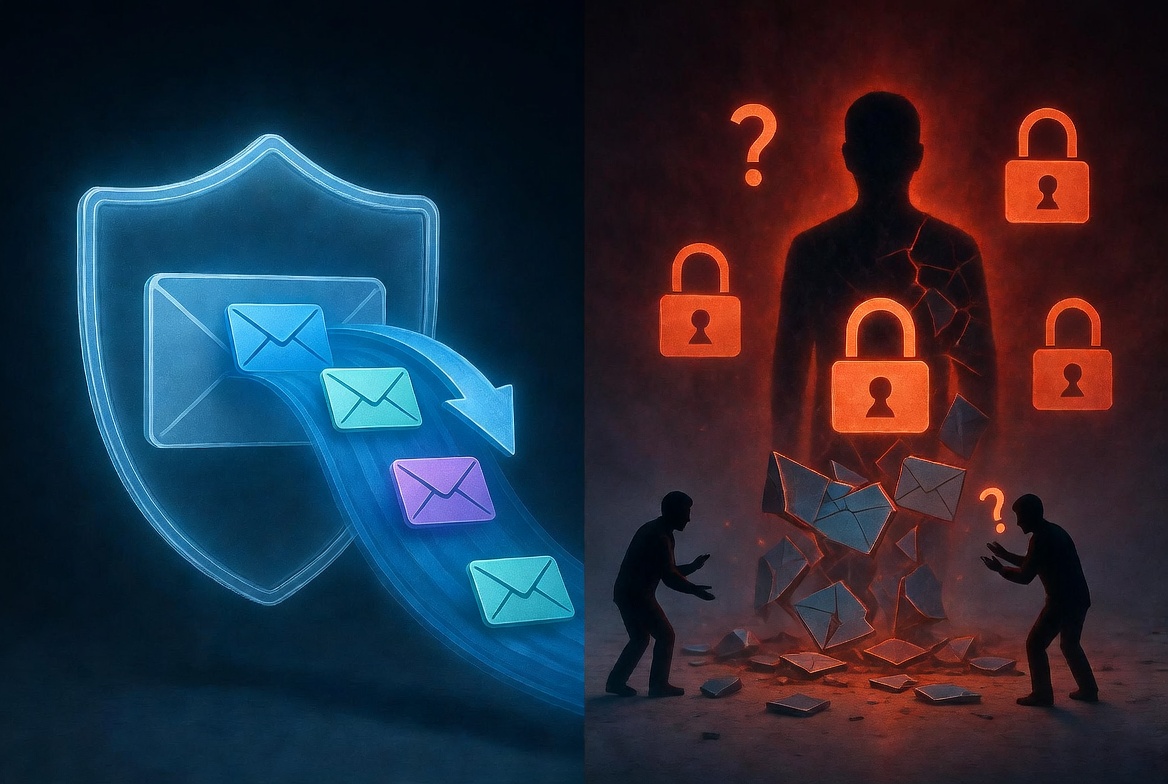
A New Privacy Tool With A Hidden Catch
In the last few years, a quiet revolution has happened in how privacy-aware people handle email. Instead of giving every website your real address, you generate a unique forwarding alias for each one. Apple's Hide My Email, SimpleLogin, Firefox Relay, AnonAddy, DuckDuckGo Email Protection. The pitch is the same in every case: each service gets a different alias, the aliases forward to your real inbox, and you can disable any alias the moment it starts attracting spam.
The pitch is good. The practice is good. As a privacy practice for living humans, this is one of the most genuinely impactful things you can do.
It also breaks your estate plan in ways most people don't notice until it's too late.
This post is about the failure mode — quiet, structural, hard to detect — and what to do about it without giving up the privacy benefit.
The Problem In One Sentence
If each of your important accounts uses a different forwarding alias, your family can't recover those accounts unless they can also access the alias service, because all of the recovery emails are addressed to the alias, not to a real inbox they can read.
Let's walk through what this looks like.
How It Goes Wrong
Suppose you signed up for Vanguard with the alias vanguard-xj7p2@hide.me. You signed up for your mortgage servicer with mortgage-9wkqv@simplelogin.com. You used chase-bank-aa3vp@duck.com for Chase.
While you're alive, all of those aliases forward to your real inbox, and everything works invisibly.
You die. Your spouse needs to recover access to those accounts. They go through the password reset flow on Vanguard's site. Vanguard sends a recovery code to vanguard-xj7p2@hide.me.
Three problems are now stacked.
First, your spouse doesn't know that alias exists, or where it goes. The alias is a pseudo-random string they've never seen before. It's not on any list anywhere unless you specifically maintained one.
Second, even if they know the alias exists, they can't read its inbox. The alias service has its own account, with its own password and 2FA, separate from your normal email account. They need to get into the alias service first.
Third, if the alias service itself has an account-death problem — Apple's Hide My Email is tied to your Apple ID, SimpleLogin requires its own login, the alias services don't all have legacy contact programs — then even getting that access is a separate puzzle.
The path your family was supposed to walk was: log into email, do password reset, regain access. The path they actually need to walk now is: log into Apple ID (or SimpleLogin, or DuckDuckGo, etc.), figure out which alias goes to which service, log into the alias service's mail interface, retrieve the reset email, then do the actual reset. Every link in that chain is a potential failure.
Service-by-Service Notes
The failure modes are slightly different per service. It's worth being specific.
Apple Hide My Email. Tied to your Apple ID. Aliases live in iCloud Settings. They forward to your primary iCloud email. If your family gets access to your Apple ID (which is possible via the Legacy Contact program), they can also see the alias list. But — critically — the list shows which app or website the alias was created for. This is the best of the bunch from an inheritance perspective. Apple instrumented the metadata.
SimpleLogin (now owned by Proton). Separate account from Proton Mail unless you signed up via Proton. Aliases are listed in the SimpleLogin web app, with the service they were created for usually labeled. Proton has documented its position on deceased-user accounts, which is roughly "we don't grant access, but we also don't delete; the account persists if billing continues." Practical recovery requires your Proton credentials in your estate plan.
Firefox Relay. Mozilla account. Aliases listed in the Relay dashboard. Limited metadata about which service each alias goes to. Mozilla's account recovery for deceased users is documented but slow.
DuckDuckGo Email Protection. Aliases are generated on the fly by their browser extension, and there's not a great inventory view of which alias maps to which service. This is the worst of the bunch for inheritance — your family can in principle log into your DuckDuckGo account and see incoming forwards, but reconstructing which alias was used for which account is a forensic exercise.
AnonAddy / Addy.io. Inventoried per-alias, but again the metadata about what service the alias was for is whatever you typed in when you created it. Without good labeling, your family inherits a list of opaque random strings.
The Workarounds
There are real ways to use alias services without breaking your estate plan. They take a few minutes to set up and they entirely solve the problem.
Workaround One: Maintain a labeled alias inventory.
Most alias services let you add a label or note to each alias. Use it. "Vanguard - retirement," "Chase - main checking," "Health insurance - Anthem." Future-you (or your family) needs to look at the alias list and immediately know what it unlocks.
This is the highest-leverage thing you can do. Five minutes of cleanup on your alias dashboard fixes the worst of the inheritance problem.
Workaround Two: Include the alias service credentials in your estate plan.
Whatever your inheritance mechanism is — password manager with emergency access, deadman switch, sealed envelope — make sure your alias-service login is in there. Treat it like a root credential. Because it is. If your family can't get into your alias service, they can't recover any of the chained accounts.
Workaround Three: Use a single alias service, not three.
Some people accumulate alias services. They start with Apple Hide My Email, then add SimpleLogin for non-Apple devices, then add Firefox Relay, etc. Each one is a separate account, separate inheritance problem, and separate metadata convention.
Pick one. Standardize on it. Your future self and your family will be glad.
Workaround Four: For critical accounts, consider not using an alias.
This is heresy in privacy circles, but it's worth saying out loud. The accounts that matter most for inheritance — your primary bank, your retirement accounts, your life insurance — may not be the right place to use a forwarding alias. The marginal privacy benefit is small (these institutions already know who you are), and the inheritance cost is real.
For those accounts specifically, your real email address may be the better choice. Save the aliases for the long tail of merchants and newsletters.
The Honest Take
Forwarding aliases are a great privacy practice. They are also, as currently implemented, a structural threat to digital inheritance. The threat is invisible while you're alive (because everything just forwards through), and only surfaces when your family is already grieving.
The fix is not to give up the aliases. The fix is to treat the alias service like infrastructure: name it, document it, label its entries, and include its credentials in your inheritance plan. Done well, the privacy benefits accrue while you're alive and the inheritance still works after you're gone. Done badly, you've added a new fragile link to a chain that already had too many.
Like most things in digital estate planning, the gap between done well and done badly is about an hour of attention. Spend it now.
Killswitch is the place to keep your alias-service credentials — the upstream root that controls every downstream account chained through Hide My Email or SimpleLogin. Delivered automatically to your family when you stop checking in, with a labeled inventory so they know what unlocks what. Get started today