Building a Time Capsule: A Practical Guide to Messages That Reach Your Family at the Right Moment
Birthdays, weddings, anniversaries — the messages you want to reach your family at moments you won't see. A practical guide to formats, triggers, and storage for sending messages decades into the future, plus the advice you actually need to start.
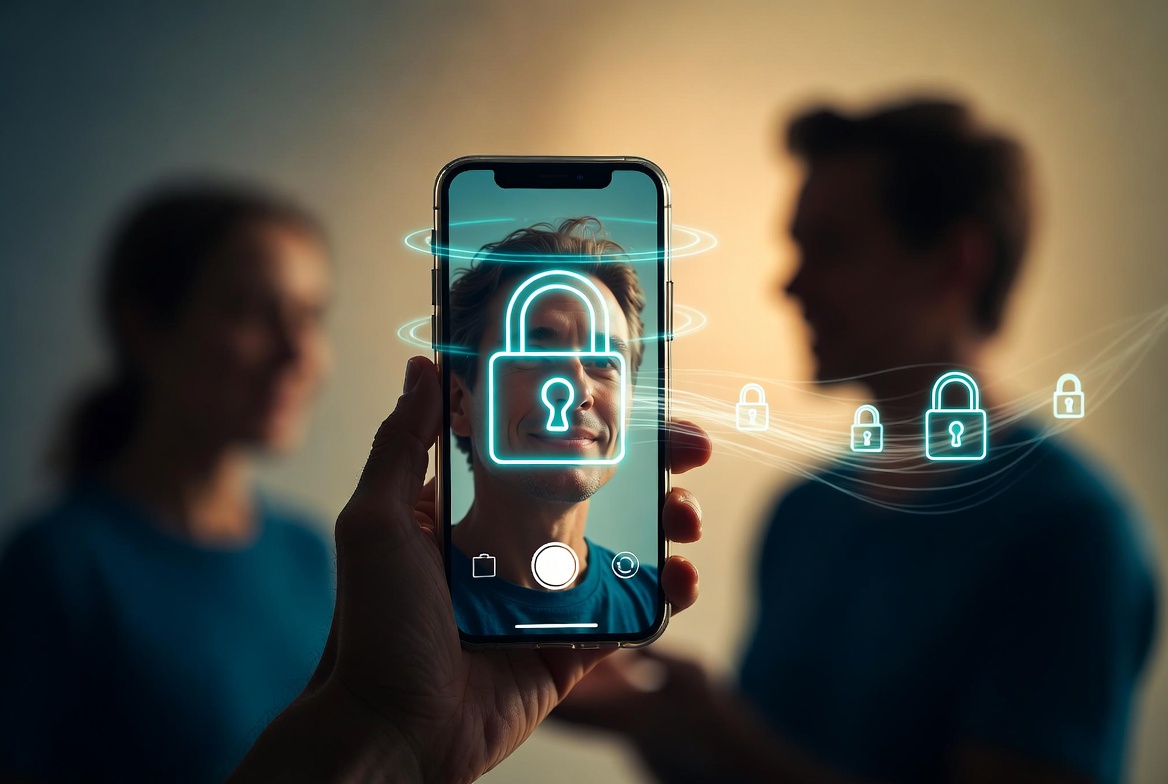
The Letter That Arrives On The Right Day
There's a category of estate planning that doesn't get talked about much because it's not really about money. It's about messages. The birthday letter your daughter will get when she turns thirty. The note your spouse will read on the morning of their first anniversary alone. The advice for your son the day his first child is born. The wedding-day toast you wrote when he was eight.
None of this is in your will. None of it is in your password manager. None of it is, in any normal sense, an asset. But it's some of the most valuable material you can leave behind, and it has a much shorter half-life than financial assets do — because the messages you write today only matter if they reach the right person at the right time, and the right time is sometimes decades from now.
This post is about how to actually do this in 2026: the mechanics, the formats, the delivery systems, and the things that work versus the things that look good in a movie but fall apart in practice.
What People Actually Want To Send
If you ask the people who do this seriously, the messages they write tend to fall into a small number of recognizable categories.
Milestone messages. The graduation, the wedding, the first child, the fortieth birthday. The events you can predict, even if you don't know when they'll happen.
Conditional advice. "When you're considering buying your first house, here's what I wish I'd known." "If you're ever thinking about leaving him, here's what I want you to consider." Not tied to a date — tied to a situation.
Memorial messages. "On the anniversary of my death, here's a memory I want you to have." The yearly note.
Just-in-case messages. "In case I die before you turn 18, here's everything I'd want you to know." Short-horizon insurance, mostly useful for parents of young kids.
Reflections. Not aimed at a specific event, just thoughts you want to leave behind. "This is what I think about love." "Here's what I learned about work."
The categories matter because the delivery mechanism differs by category. A milestone message needs a specific date. A conditional message needs a different kind of trigger. A reflection needs to be available, not pushed.
The Format Decision
First question: text, audio, or video?
Text is the most durable. Plain text from forty years ago is still readable. Plain text takes minimal storage. Plain text doesn't degrade. Plain text is also the most demanding of the writer — you have to be a good writer for a text message to land as intended.
Audio is the middle option. A recorded voice carries emotion text can't. Audio files from twenty years ago are usually still playable, though the formats churn. Audio storage is reasonable. Audio is also more forgiving of writers who'd choke on a written page; you can just talk.
Video is the most powerful and the most fragile. Your child seeing your face at their wedding is a different kind of thing than reading a letter. Video file formats churn faster than audio. Video files are large. Video requires more deliberation in production (lighting, background) or you end up with something that feels weird to receive.
Most people who think hard about this end up doing a mix. Important milestones get short videos. Reflective letters stay as text. Conditional advice often works best as audio. Pick what fits the message.
The Trigger Decision
This is the part most people get wrong.
A message tied to a specific date is the easiest to implement and the riskiest to land. You wrote a message for your daughter's 30th birthday. She's now 30 and going through a divorce and the message you wrote at age 50 doesn't quite hit the way you imagined. Or she died at 28 and the message was queued up and arrived irrelevantly.
A message tied to an event is harder to implement and lands better. The wedding message arrives when your daughter actually gets married. The first-grandchild message arrives when there's actually a grandchild. The implementation usually requires a human in the loop — someone (the surviving spouse, the executor) who knows when the event happens and triggers the delivery.
A message that's always available is easiest of all. The reflection sits in a designated folder, accessible to the family, readable whenever they want. No trigger. No delivery. Just presence.
Most serious time-capsule plans use all three. Date-triggered for the predictable milestones. Event-triggered (via a human) for the contingent ones. Always-available for the reflections.
The Storage Decision
Where do the messages live before they're delivered?
Option one: a service. There are a small number of "send a message to the future" services. They have a chronic mortality problem. The service has to outlive you by the duration of the longest deferral, which is potentially decades. Most of these services don't make it that long. Pick this option only with a very clear understanding of the service's longevity plan.
Option two: physical storage. Letters in a safe-deposit box. Audio recordings on a USB stick. Video DVDs. This works for very few messages, durably. It fails for many messages because of indexing and retrieval problems. (Your spouse won't know to dig in the safe-deposit box on your daughter's wedding day.)
Option three: your normal estate-planning infrastructure. The messages live in encrypted storage that's part of your deadman switch or inheritance plan. They become available to specific people when specific triggers fire. The advantage: the same infrastructure that handles your financial and document inheritance can carry the messages. The disadvantage: most estate planning tools weren't built with this use case in mind.
The trend, fortunately, is toward making this easier. Modern deadman switches — ours included — support attaching messages and video clips to specific beneficiaries and delivery conditions. It's a feature that's gone from "nobody does this" to "a few people are starting to" in about three years.
What To Actually Record
If you sit down to start — and most people don't, because the prospect is heavy — the right place to start isn't the dramatic deathbed letter. Start with the easier stuff. Specifically:
The reflection. A 5-minute video of you talking about something you've thought about a lot. Not directed at a specific person. Just on a topic that matters to you. This is the lowest-stakes first attempt. You can re-record it. You can throw it away. It's practice.
The short letter. A page or two, to one specific person, about one specific thing. The first letter is always awkward. The tenth one isn't.
The voice memo. Three minutes, talking to your spouse, about something specific. Why you fell in love with them. A memory you want them to have. The voice itself carries information the words can't.
Once you've done a few of these, the bigger messages — the wedding video for the daughter who's nine right now, the just-in-case letter for the youngest kid — get easier. You've gotten over the awkwardness of speaking to a future you won't see.
Don't Overproduce It
The last piece of advice, and possibly the most important: don't overproduce.
The messages that land hardest, according to the people who've received them, are not the ones with cinematic lighting and professional audio. They are the ones where the deceased was recognizable. The kitchen background. The slightly-off audio. The fumbled words. The reality of the voice.
A shaky iPhone video of your dad telling a story at the kitchen table is worth ten produced videos done in a studio. The point is presence, not production value.
Which is, in some sense, the larger point of all of this. The infrastructure exists. The technology is there. The trigger systems work. The hard part isn't the engineering. The hard part is sitting down, opening the recording app, and actually saying the things you'd want the people you love to have in five years, or twenty, or fifty.
Most people don't, because it feels too much like the thing it's about. The ones who do, leave behind some of the most valuable artifacts a human being can produce.
Killswitch holds the messages, videos, and letters your family will receive at the moments you won't be there for. Encrypted while you're alive, scheduled or trigger-delivered, in your voice — not a service's. The infrastructure is here; the hard part is sitting down to record. Get started today