Start from a template
Library templates give you a pre-written note or notebook to edit, so what someone would need from you gets written down instead of put off.
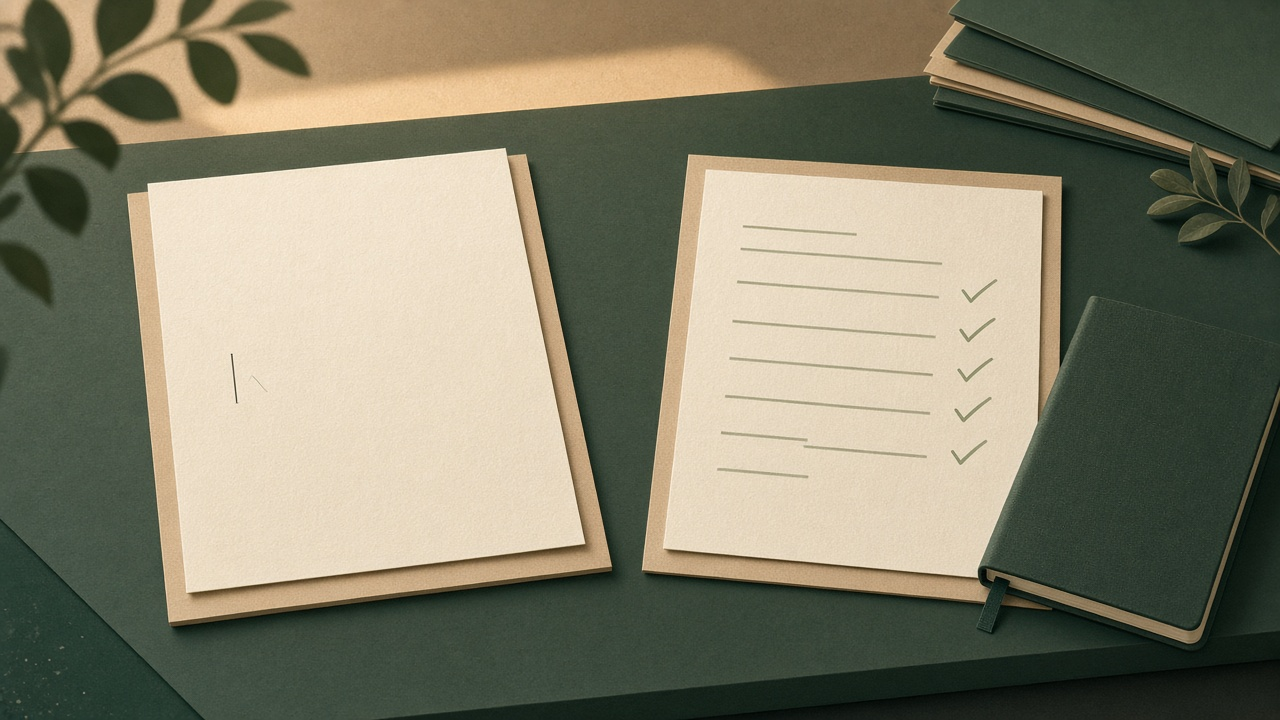
The hardest part of writing down what someone would need from you is the blank page. Library templates give you a note that is already written, so you start by editing instead of staring.
You open a new note. You meant to write down Mom's medications. And the name of the neighbor who has a key.
That note is not really for you. It is for the person who would step in if you could not tell them yourself.
The cursor blinks. Nothing gets written. You close the note and tell yourself you will do it this weekend.
That is the blank page. It is why the important note never gets written.
Killswitch is built around notes like that one. Write down what only you know. If you stop checking in, Killswitch sends it to the person who needs it.
Templates change the starting point. You get a filled-in start, not an empty page. Then you edit it until it is yours.
What are Library templates?
Templates are pre-written notes and notebook plans in your Library. You start from one and make it your own.
The picker includes emergency contacts, medical information, household operations, and more.
A template opens in the editor already written.
How do I start a note from a template?
- Open your Library.
- Select + New, then choose From Template.
- Pick a template from the picker.
- Fill in the short form, or skip what you do not have yet.
- Read the note in the editor and make it your own.
That is the whole path. In the Library, + New, then From Template.
What does the short form do?
Templates have fill-in spots. Before the editor opens, a short form collects the names and numbers that matter. It writes them into the template for you.
You do not need everything at once. Skip anything you do not have handy. Blanks stay clearly marked, so you can fill them later.
The neighbor's phone number can wait. The rest of the note does not have to.
Should I use one note or a whole notebook?
Some templates create a single note. Others create an entire notebook with starter entries already in place.
A notebook template gives you the structure up front. You fill the entries one at a time.
Inside any notebook, you can also start a new entry from a template.
What happens after I apply a template?
The moment it is created, an applied template is an ordinary note or notebook.
It is encrypted at rest and in transit. It is fully editable. You can change any line of it.
Can I attach a template note to a deadman switch?
Yes. An applied template is ready to attach to a deadman switch like anything else you write.
Write it. Read it over. Then attach it to the switch that should deliver it.
Will there be more templates?
New templates are added over time. They appear in the picker automatically.
If a document you wish existed is missing, write to hello@killswitch.app.
Quick answers
Do I need every detail before I start?
No. Skip anything you do not have handy. Blanks stay clearly marked so you can fill them later.
Can I change the text a template gives me?
Yes. An applied template is an ordinary note or notebook, and it is fully editable.
Is a template note protected like the rest of my Library?
Yes. It is encrypted at rest and in transit, like anything else you write.
Start with the one you have been putting off
The note you keep putting off is usually the one someone would need most. Write it once and attach it to a switch. If you stop checking in, Killswitch sends it to the person you chose.
New to Killswitch? Start your 30-day free trial and begin with a single template.
Pick the note you keep meaning to write. Let the template carry the first draft.
Related: the full release notes for this update are on the Killswitch changelog.